24
Dump Out PRESET
This menu page allows to download a PRESET via the MIDI ports.
This allows to immediately “copy” the settings of the various PRESETS of a DX 24 to another DX 24.
Dum
Out Preset
25U 2x2W
To download a PRESET:
☞ Use DIAL to reach the required PRESET.
☞ Press ENTER.
N.B.: the menu page remains unchanged to allow other PRESETS to be dumped.
All the Preset’s data (name, configuration, parameter values, etc.) are immediately transmitted to the
units connected to MIDI ports.
N.B.: in order for the transfer to have effect, the receiving units must be able to identify and accept Incoming Dump
operations.
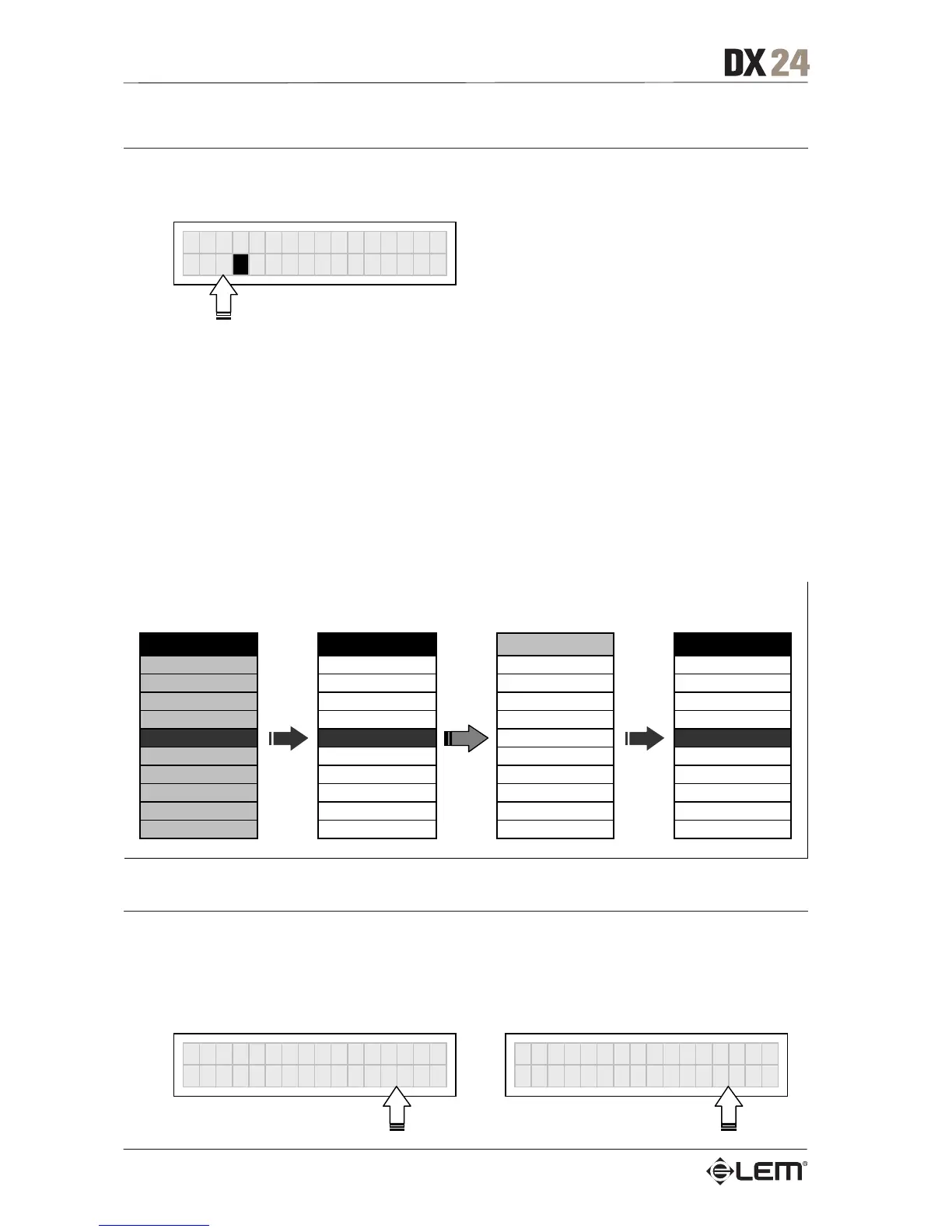
When two or more DX 24s are connected, the PRESET sent by the transmitting DX 24 (TX) overwrites
(and therefore cancels) the existing PRESET in the same memory position of the receiving DX 24s (RX).
DX 24 #1 DX 24 #2 DX 24 #3 DX 24 #4
Dump Out Prese
Incoming Dump Incoming Dump Incoming Dump
SEND
DUMP
ACCEPT
DUMP
IGNORE
DUMP
ACCEPT
.. .. .. ..
Preset #2 #2 MySetup #2 SideField #2 Default
Preset #3 #3 MySetup5 #3 Concert1 #3 Default
Preset #4 #4 LiveSet #4 Concert2 #4 Default
Preset #5 Preset #5 #5 Concert3 Preset #5
Preset #6 #6 Monitor #6 Concert4 #6 Default
Preset #7 #7 Monitor2 #7 Remote1 #7 Default
Preset #8 #8 Monitor3 #8 Remote2 #8 Default
Preset #9 #9 Side #9 Remote2 #9 Default
.. .. .. ..
MIDI OUT
MIDI IN
MIDI THRU
MIDI IN
MIDI THRU
MIDI IN
Incoming Dump
Allows to accept or ignore the Dump of a PRESET sent from another DX 24 or from a computer
via serial ports. Settings can be:
Ignore the data received via the serial ports. Accept the data received via the serial ports.
Incomin



 To Next Page