EasyManua.ls Logo

LEM DX 24 - MIDI Setup Configuration; MIDI Program Change Input

LEM DX 24
60 pages
Print Icon
To Next Page IconTo Next Page
To Previous Page IconTo Previous Page
Loading...
45
MIDI SETUP SUBMENU
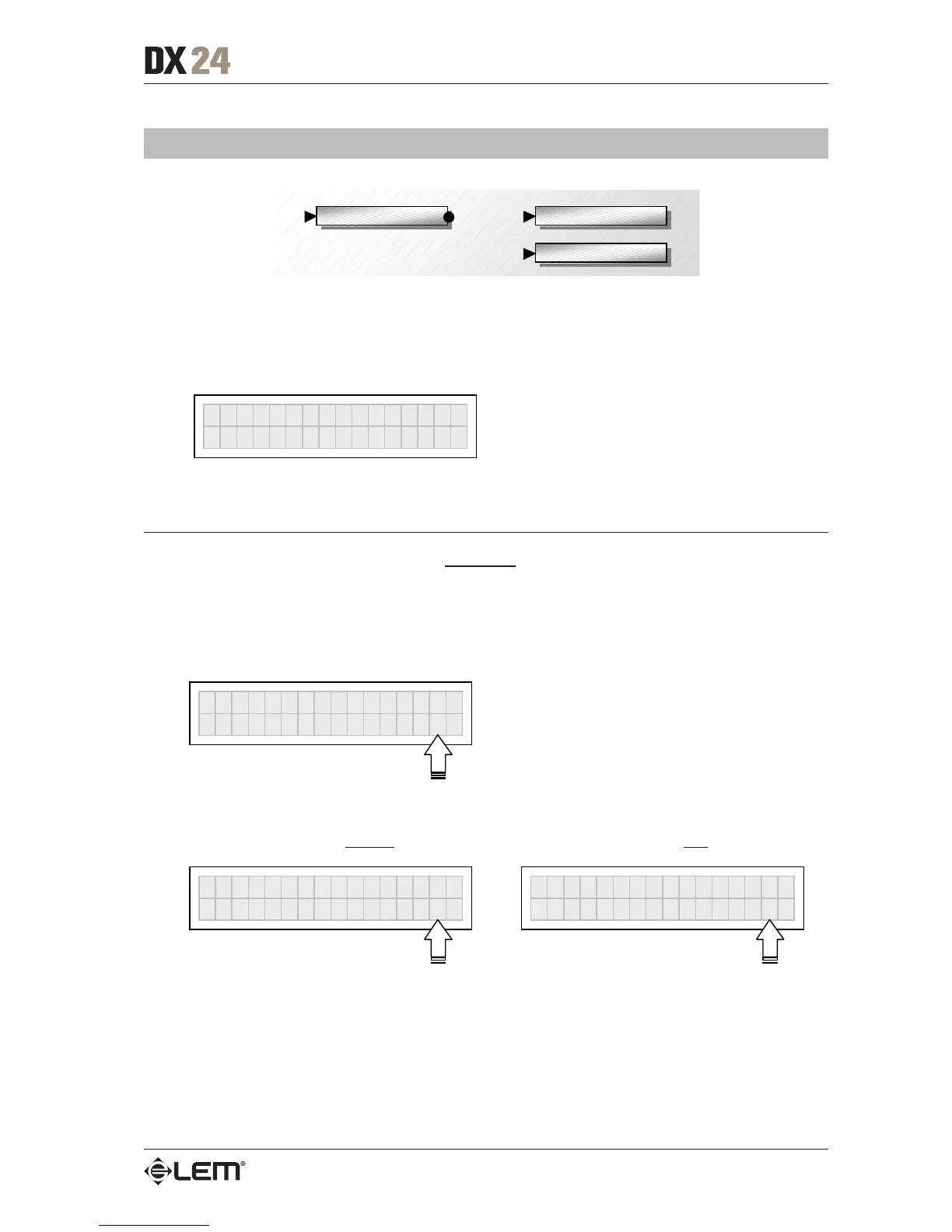
Midi Setup MIDI Pr
g
Ch In
MIDI Pr
g
Ch Out
This submenu allows to set up communication with other equipment via the MIDI interface.
N.B.: the Dump Out Preset and Incoming Dump functions are an exception, as they’re controlled directly in the
PRESET menu.
Ò
Midi Setu
p
MIDI PrgCh In
Allows to set the MIDI channel on which to receive Program Change commands sent by other
units, e.g. a computer or another DX 24.
Settings can be:
Off: ignores the Program Change commands received.
MIDI Pr
g
Ch In
Channel Off
1÷16: accepts and executes Program Change Omni: accepts and executes Program Change
commands received on a
specific MIDI channel commands received on any MIDI channel
MIDI Pr
g
Ch In
Channel 16
MIDI Pr
g
Ch In
Channel Omni
UTILITY menu

Related product manuals