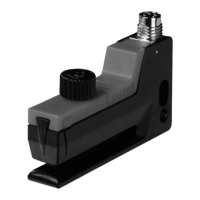
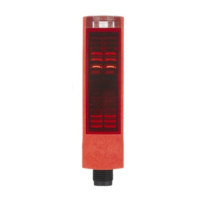
Description ODSL 30
Leuze electronic ODSL 30 19
TNT 35/7-24V
4. To finish the teach event, disconnect the teach input from the teach signal after the
desired time.
5. A successful teach event is signaled by the end of the flashing of the LEDs. The menu
entries can be used to check that the teach values are properly accepted and to make
any changes.
Error messages
Rapid flashing of the green LED following a teach event indicates an unsuccessful teach
event. The sensor remains ready for operation and continues to function with the old values.
Remedy:
• Repeat teach event or
• Activate teach input for more than 8s or
• Disconnect sensor from voltage to restore the old values.
Behaviour of the switching output of the ODSL 30/V…
Additionally, a switching output with two switching points (switching window) is available with
the ODSL 30/V… with analogue output. The upper switching point can be taught using a
teach line. By configuring within the measurement range, it is possible to set the lower and
upper switching points, the switching hysteresis, the switching behavior (light/dark
switching), and the type of switching output (PNP high active or NPN low active or PNP/NPN
push-pull).
Teaching always takes place towards the upper switching point (see figure 3.7 on page 20).
The lower switching point is set to the value '199' by default and can be adjusted via the
operating menu. The following table applies for a lower switching point of 199mm.
Object distance
Light switching Dark switching
output Q1 output Q1
No object (no signal) off on
<200mm
1)
1) Only if a received signal is available that can still be evaluated, otherwise same as "no
object"
on off
< teach value on off
> teach value off on


 To Next Page
 Loading...