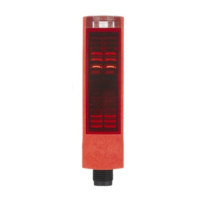
Description ODSL 30
Leuze electronic ODSL 30 33
TNT 35/7-24V
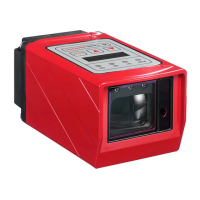
3.7 Configuration ODSL 30
Configuration / navigation in the menu
By pressing an arbitrary key, the LC display illumination is switched on, and the configuration
menu of the ODSL 30 appears.
You can scroll through the menu items using the arrow keys.
You can select the individual menu items by pressing ENTER.
If a value or parameter can be changed, a cursor flashes. You can change this val-
ue or parameter by using the arrow keys. You apply the setting by pressing
ENTER.
Via the menu item "Return", you return to the parent level in the menu structure.
Via the menu item "Exit from Menu", you return to the measurement mode.
Notice
Values that can be toggled or edited are shown in red (PDF file) or grey (b/w print of the man-
ual) in the menu structure.
If no key is pressed for 60s in the configuration menu, the device automatically returns to
the measurement mode.
The device can be protected against unauthorized configuration change by activating the
password query. The password is always set to "165".


 To Next Page
 Loading...