User’s Manual
WAB-3003 108M 11g Outdoor PoE CPE/ AP/ Bridge
9
Step 2
: Launch Web Browser
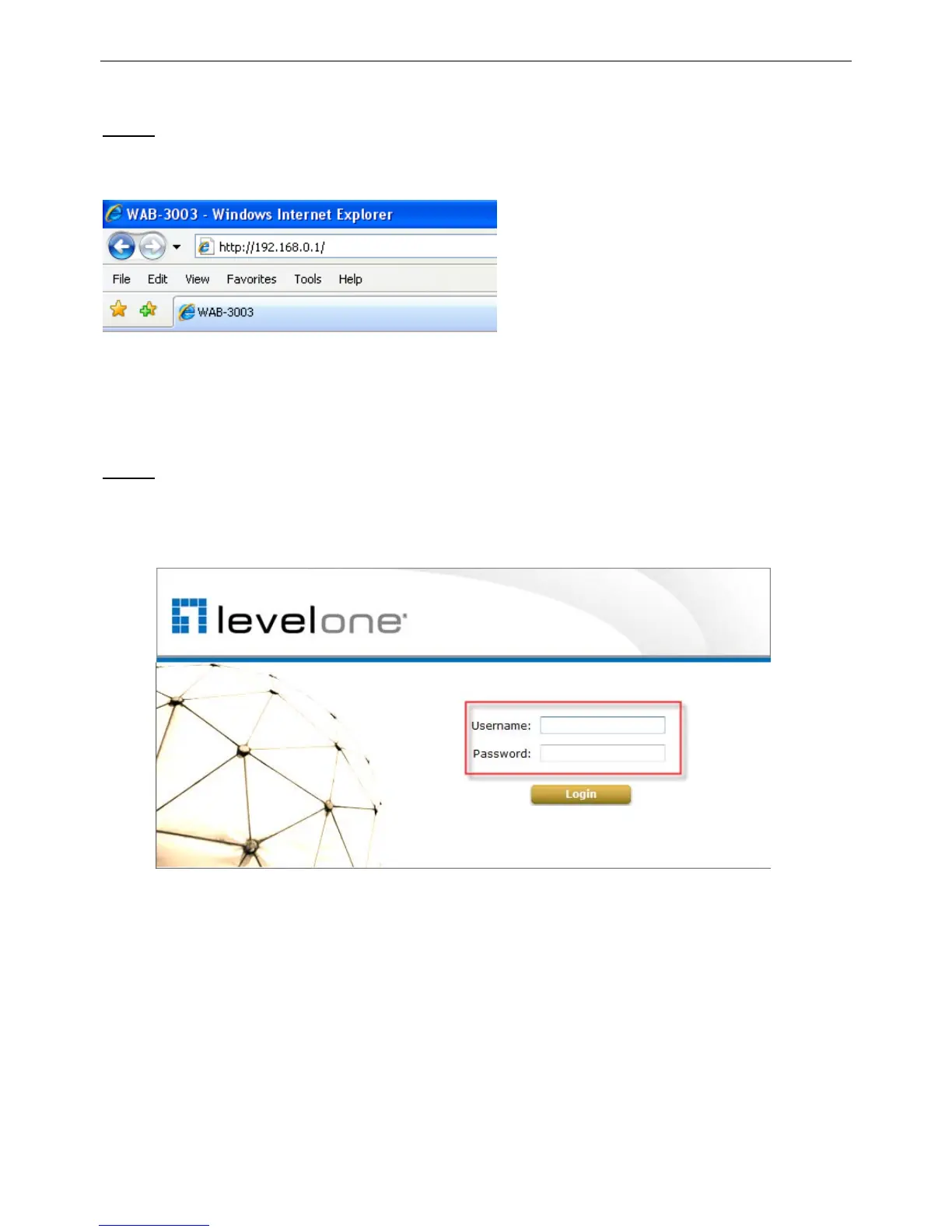
Launch a web browser to access the web management interface of AP mode by entering the
default IP address, http://192.168.0.1/, in the URL field, and then press Enter.
Caution:
Using an incorrect default IP address will result in no Login page shown on the web browser.
Please make sure a correct IP address is used for the desired mode; refer to Section 3.2.1
Instruction to Web Management Interface for detailed default IP addresses.
Step 3
: System Login
The system manager Login Page will then appear.
Enter “root” in the User name field and “admin” in the Password field, and then click OK to
log in.















 To Next Page