User’s Manual
WAB-3003 108M 11g Outdoor PoE CPE/ AP/ Bridge
10
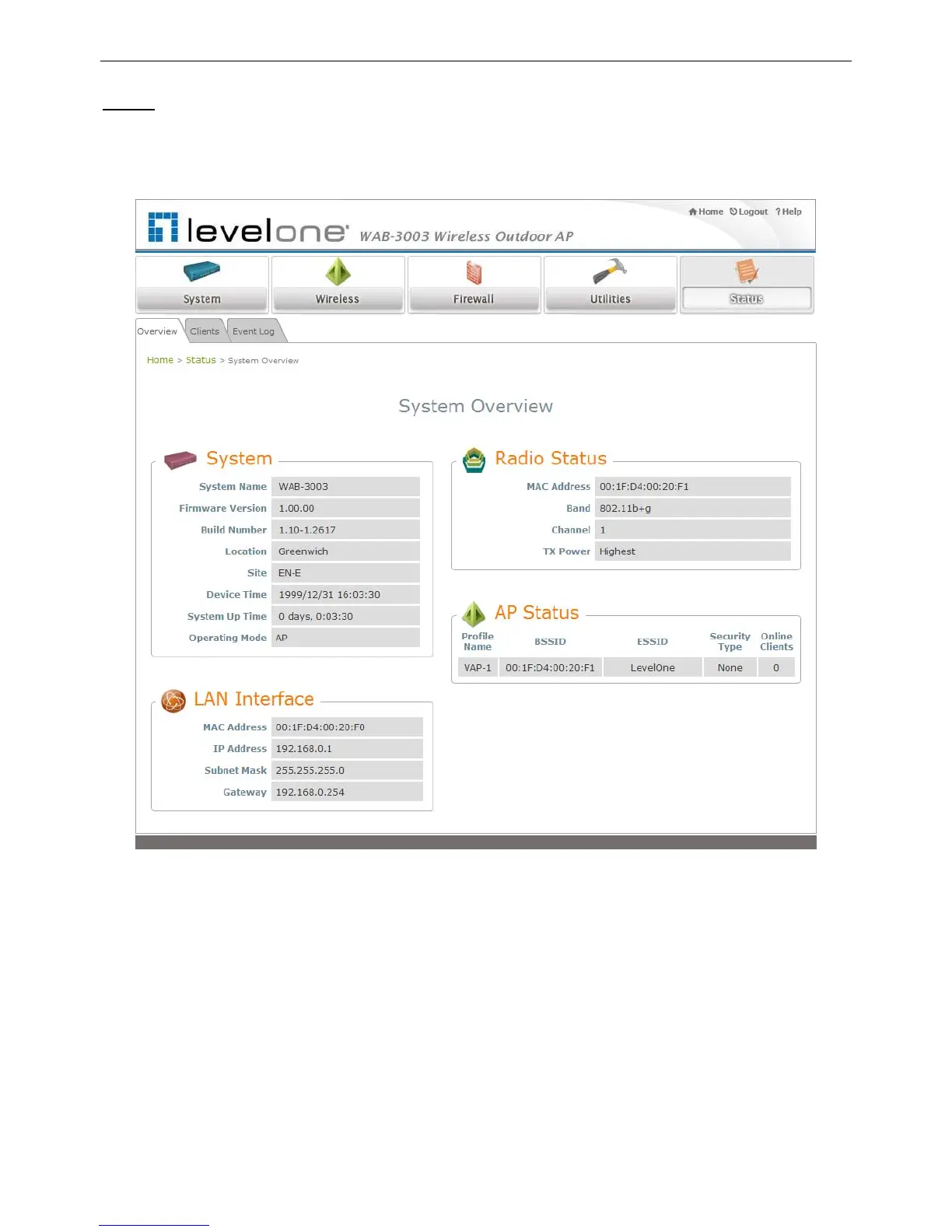
Step 4
: Login Success
The System Overview page will appear after a successful login.
To logout, simply click on the Logout button on the top right hand corner of the management
interface.
Note:
By default, AP mode is enabled. Therefore, the administrator must login to the system via the AP
mode login page at the first time. The administrator is then able to switch between modes
afterwards. For information on switching between modes, please refer to Section 4.1.2
Operating Mode.















 To Next Page