User’s Manual
WAB-3003 108M 11g Outdoor PoE CPE/ AP/ Bridge
19
Step 2
: Change Password
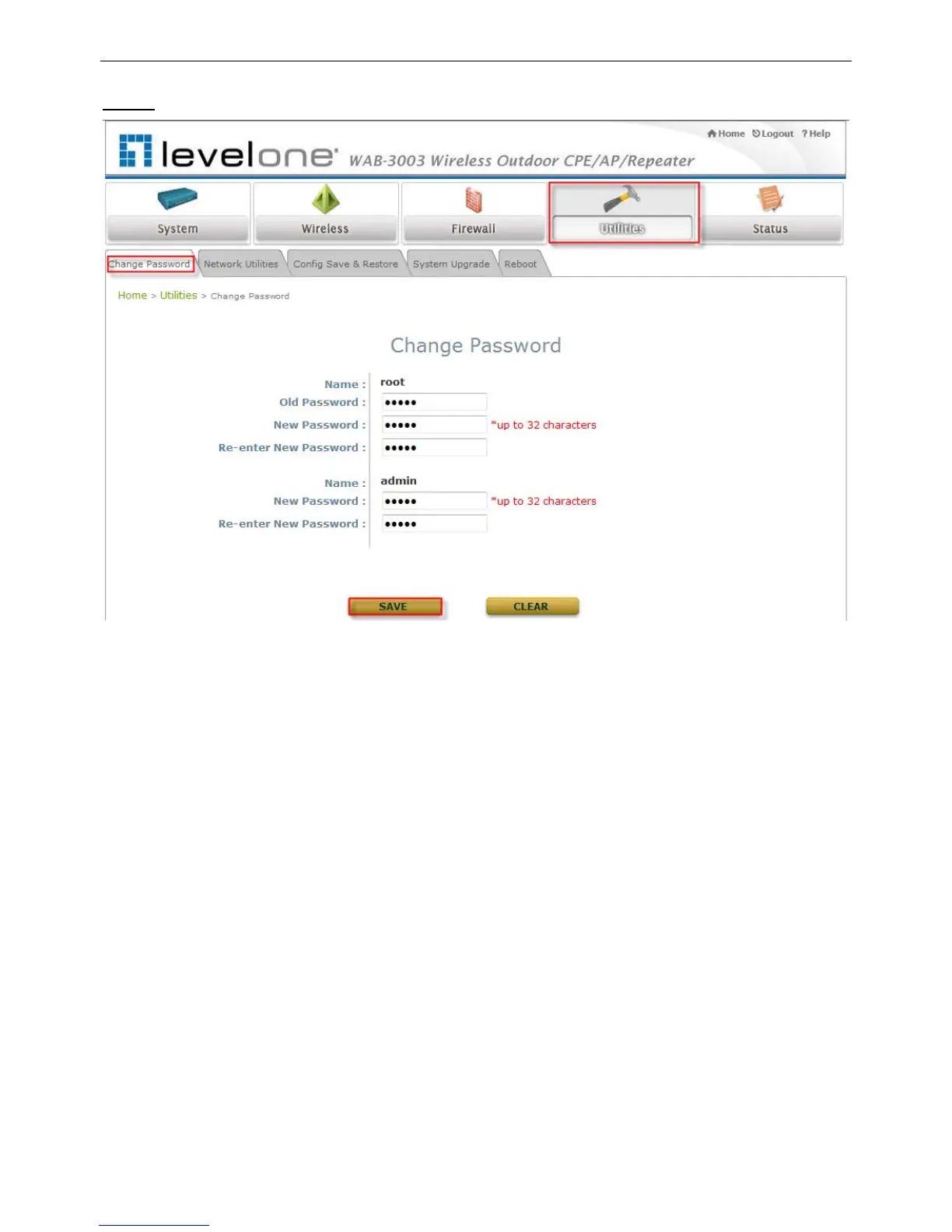
Click on the Utilities button and then select the Change Password tab.
Change Root Account Password
Enter the old password in the Old Password field, which default password is “admin”.
Enter a new password in the New Password field and retype it in the Re-enter New
Password field.
Change Admin Account Password
Enter a new password in the New Password field and retype it in the Re-enter New
Password field.
Click SAVE to save the changes.















 To Next Page