83
Chapter 5: Printer Options
Printer Options
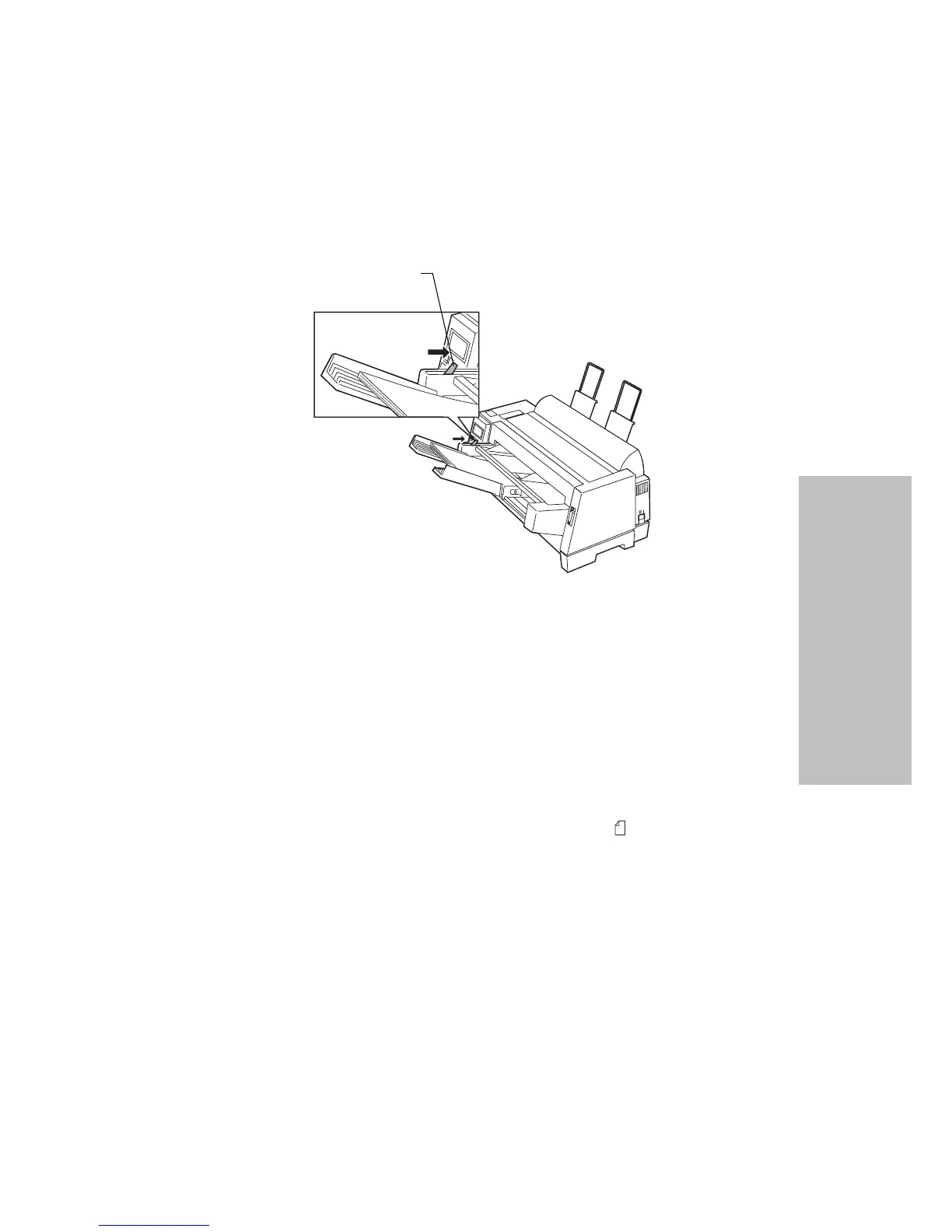
9 Push the locking lever in toward the printer.
10 Press Start/Stop. The Ready light comes on and you are ready to print.
Loading Paper for Auto Sheet Feeder Manual
Feed
If continuous forms are currently loaded on the printer, park the continuous
forms before performing these steps. For help parking continuous forms, see
steps 1 and 2 of “Parking Continuous Forms and Changing Tractor Feeders”
on page 97.
1 Push the paper select lever up to the single sheet position.
2
Pull the locking lever forward.
Locking Lever






 To Next Page