5 Slide the width guides until they rest lightly against the edges of the paper stack.
Loading Tray 2 and Tray 3
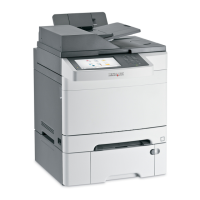
The printer has two trays to select from: the standard tray (Tray 2), also known as the 250-sheet tray, and the optional
550-sheet tray (Tray 3), which is part of the 550-sheet drawer and fits into the support unit. Proper paper loading
prevents jams and facilitates trouble-free printing.
Load the standard tray or optional tray in the same way.
1 Grasp the handle, and pull the tray out. Remove the tray completely.
Note: Do not remove trays while a job prints. Doing so may cause a jam.
Loading paper and specialty media
44


 To Next Page