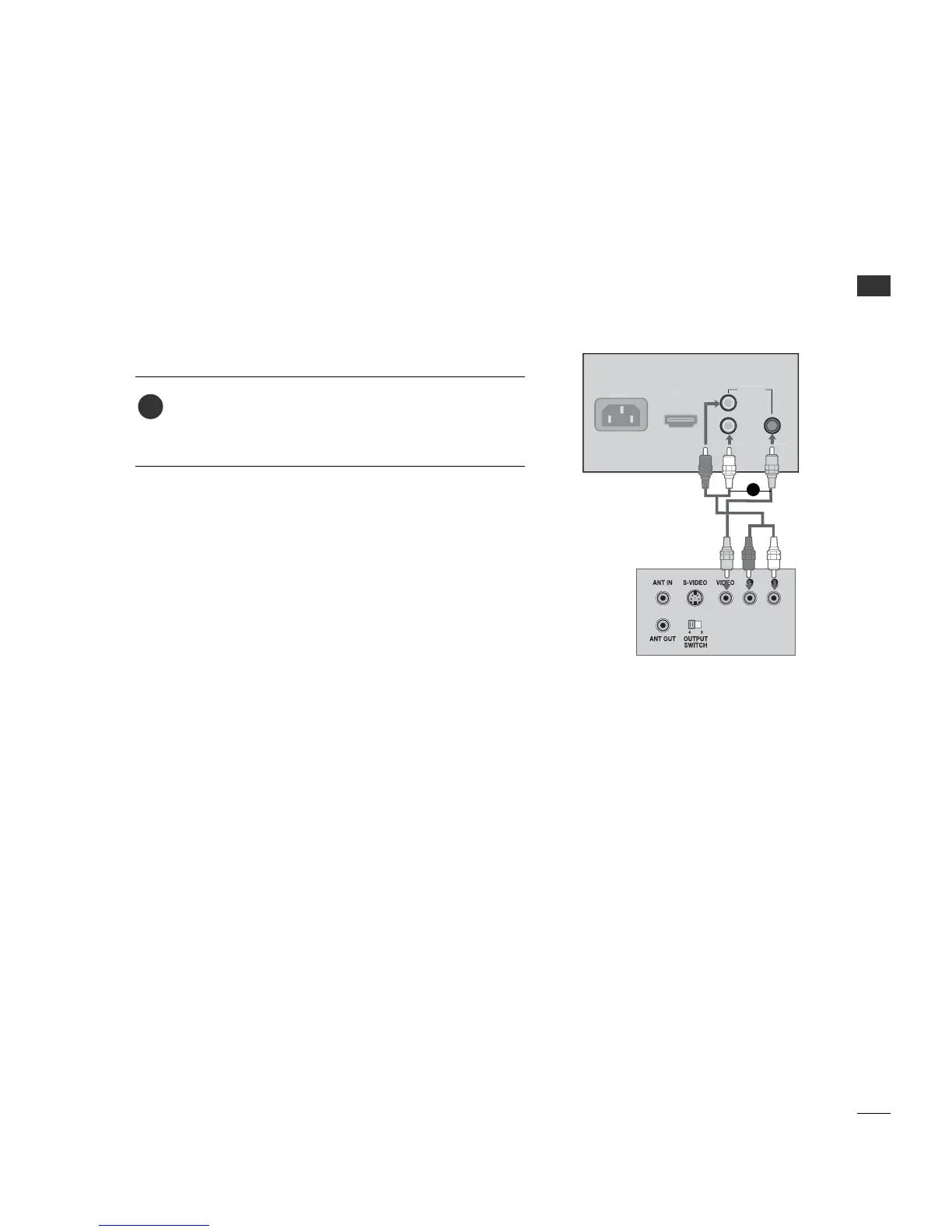
Connect the VV IIDDEE OO jacks between TV and VCR. Match
the jack colors (Video = yellow, Audio Left = white, and
Audio Right = red)
1. How to connect
2. How to use
■
Insert a video tape into the VCR and press PLAY on the
VCR. (Refer to the VCR owner’s manual.)
■
Select AA VV input source by using the 11-- 33-- 11 buttons on
the remote control. (Refer to p.65)
1
1
When connecting with a RCA cable



 To Next Page