SOUND & LANGUAGE CONTROL
39
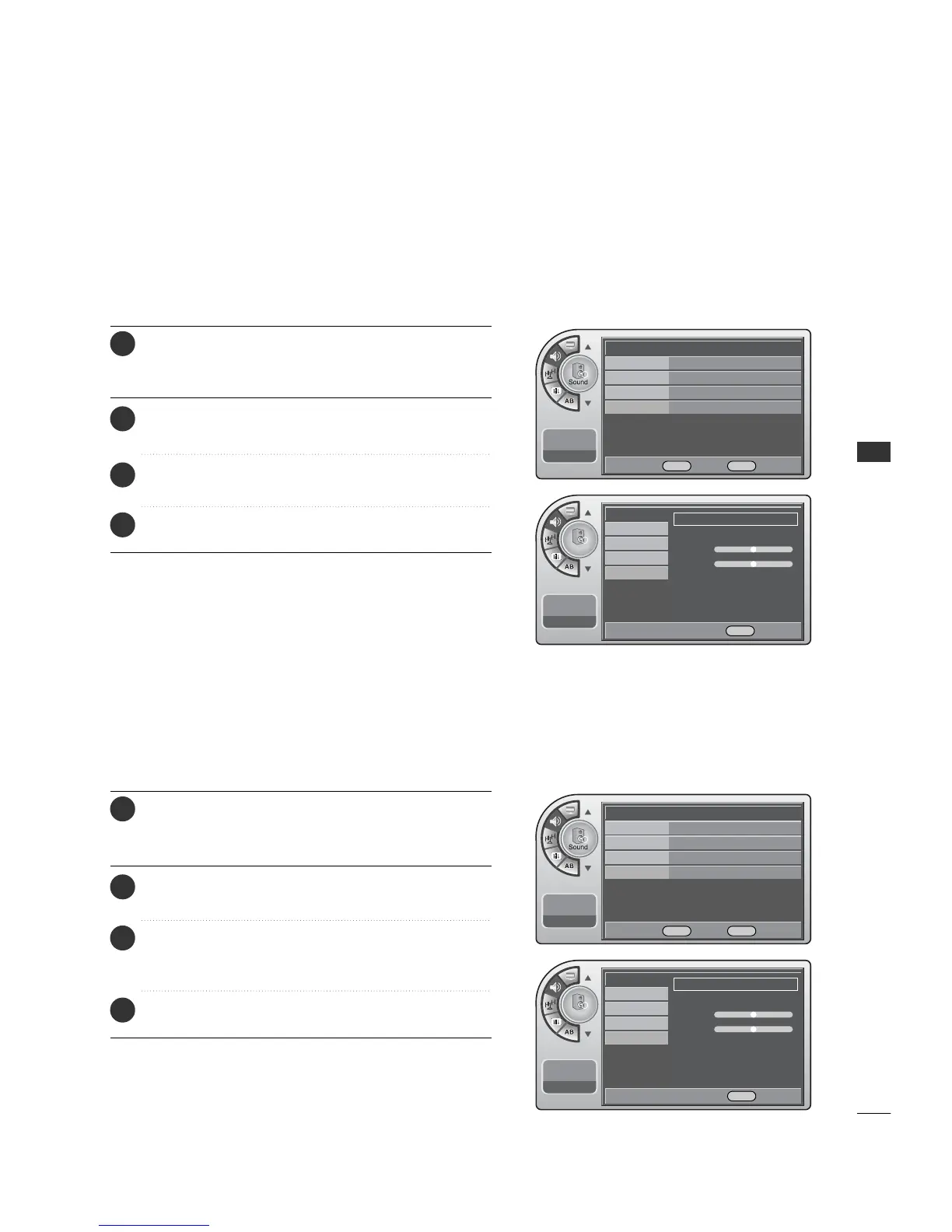
Preset Sound Settings
Match the sound mode to the program’s character, Music,
Movie, Sports, or News.
Press the MM EENNUU button and then use the AADDJJ D or E
button to highlight the SSoouunndd menu and press the OO KK
(( EEnn tteerr)) button.
1
Use the AADDJJ D or E button to highlight MMooddee and
press the OO KK (( EEnntteerr)) button.
2
Use the AADDJJ G button to customize each option: or
choose a preset mode like Music, Movie, etc.
3
When finished, press MM EE NNUU repeatedly to remove the
menus.
4
Mode Manual G
Balance
Auto Volume On
Multi-Track Stereo
Internal Speaker
On
11:20 PM
Sep.11, 2006
Mode
Balance
Auto Volume
Multi-Track
Internal Speaker
11:20 PM
Sep.11, 2006
Press the MM EENNUU button and then use the AADDJJ D or E
button to highlight the SSoouunndd menu and press the OO KK
(( EEnn tteerr)) button.
1
Use the AADDJJ D or E button to highlight MMooddee and
press the OO KK (( EEnntteerr)) button.
2
Use the AADDJJ G button to choose MMaann uuaall and use
AA DDJJ DEF Gbuttons to set your own settings for the
options. When finished, press the OO KK ((EE nnttee rr)) button.
3
When finished, press MM EE NNUU repeatedly to remove the
menus.
4
Adjust the sound to suit your taste and room situations.
Sound Setting Adjustment-User Mode
Manual G
Treble
-+
Bass
F G Move G Select MENU Back
Mode
Balance
Auto Volume
Multi-Track
Internal Speaker
11:20 PM
Sep.11, 2006
Standard G
Treble
-+
Bass
F G Move G Select MENU Back
DE Move OK Select MENU Back
Mode Standard G
Balance
Auto Volume On
Multi-Track Stereo
Internal Speaker
On
11:20 PM
Sep.11, 2006
DE Move OK Select MENU Back



 To Next Page