11
3
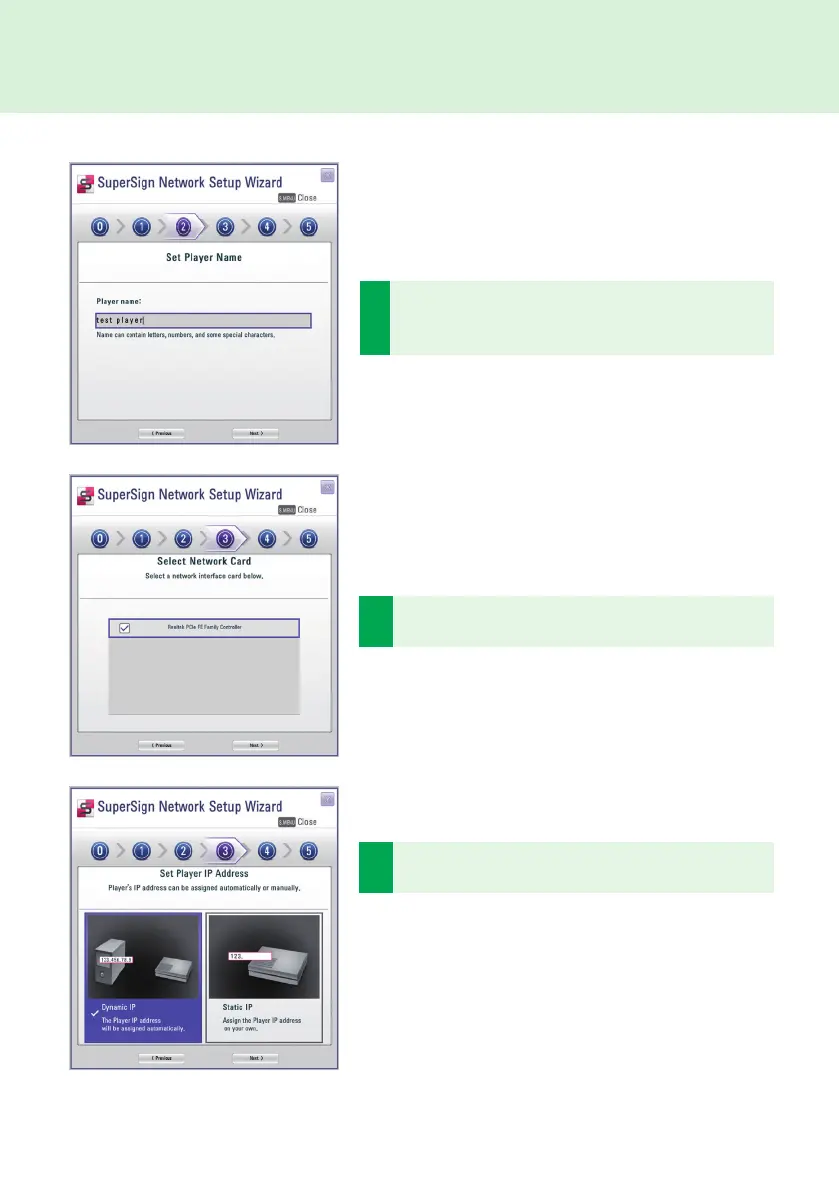
Select a network interface card that will be used for
network connections.
2
Enter a name for SuperSign Player. The SuperSign Man-
ager will use these names to identify the connected play-
ers.
SuperSign Player
4
Set SuperSign Player IP address. The Player's IP address
can be assigned automatically or manually.
● Choose Dynamic IP when you want the Wizard to auto-
matically set the IP settings.
● Choose Static IP when you want to assign the IP address
yourself.



 To Next Page