
 To Next Page
K
Kevin BurnsNov 4, 2025
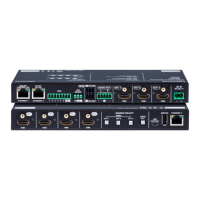
Why is there no picture on my Lightware MMX2 Matrix Switcher video output?
- SSteven CookNov 4, 2025
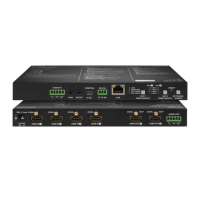
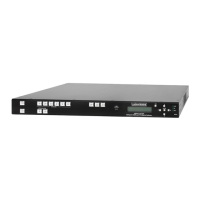
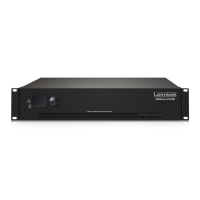
If there is no picture on the video output of your Lightware Matrix Switcher, first, ensure that the switcher and all connected devices are properly powered by checking the power cables. Next, verify all cable connections, ensuring they are securely fitted. Confirm that a video signal is present on the HDMI input ports by checking the source device and HDMI cables. Check the video crosspoint settings to ensure the correct video port is active. If the source or display has multiple connectors, verify the correct interface is selected. Also, check the mute state of the output ports and ensure the display can receive the video format by checking the emulated EDID and selecting another, such as emulating the display’s EDID on the input port. Finally, ensure that HDCP is enabled on the input po...
 General