8 Initial Operation
The SCU is operated via the SCU control panel (see Control Panel ).
8.1 Ination
Ensure that SCU is not covered and air ow around SCU is not obstructed in order to avoid overheating.
Connect mains cable of SCU to suitable mains socket.
To switch on SCU:
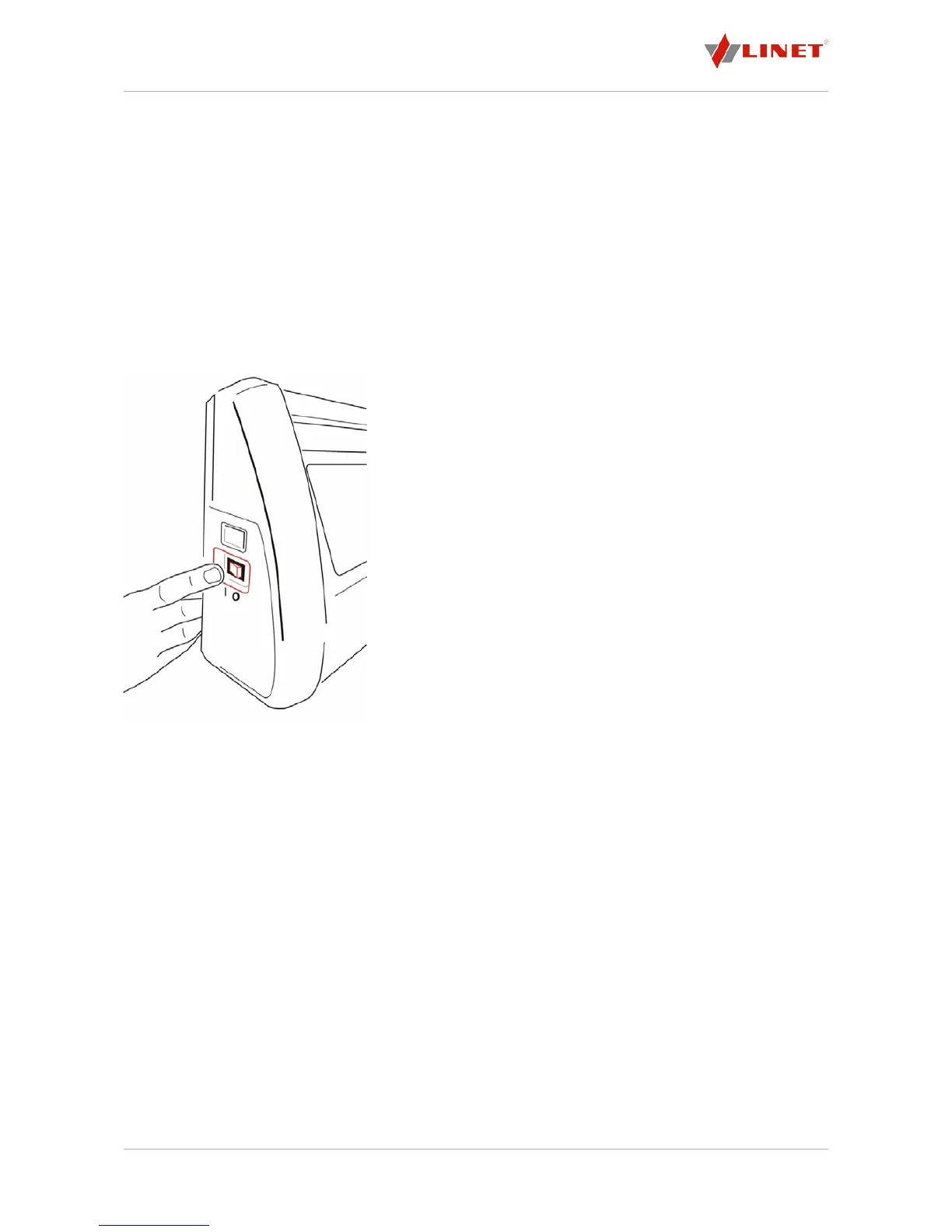
Switch on SCU using green illuminated power switch on side of SCU (see Switching on SCU).
The SCU will take 30 s for the initialisation. After that the mattress will start to inate.
NOTE On SCUs with battery back-up function, the power switch is not illuminated.
InationModeCLP:
When CLP is set, indicator 2 will keep ashing during the initial ination.
When the set pressure level is reached, indicators 2 and 16 will remain solid on.
Whentheinationprocessisnished:
Check if safety straps of mattress cover are too tight and correct if necessary.
Ifindicator8ashesduringinationprocessandaudioalarmsignalsounds:
Check if air pipe is connected correctly.
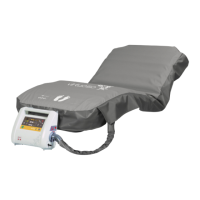
Fig. 8 Switching on SCU
To switch off SCU:
Switch off SCU using green illuminated power switch on side of
SCU (see Fig. 8).
Disconnect mains cable from mains.
NOTE On SCUs with battery back-up function, the power switch is not
illuminated.
NOTE When switched on, the SCU will return to the last mode (APT) or
CLP) and pressure setting. The mode and pressure settings are only valid
when the SCU has been running with these settings for more than 5 minutes.
Duringtheinationprocess:
Indicator 2 or 3 ashes yellow, depending on the last mode setting. The
ination process takes 15 minutes at most.
InationModeAPT:
When APT is set, indicator 3 will keep ashing during the initial ination.
Then APT indicator 4 will light and indicator 16 will ash while pressure is
adjusted to the set pressure level.
When the set pressure level is reached, indicators 4 and 12 will remain
solid on.


 To Next Page