12.3 Initial Operation
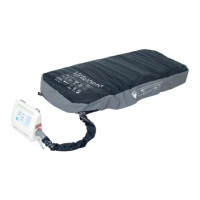
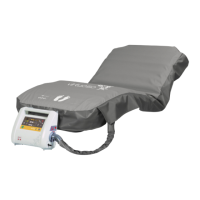
Ensure that SCU is not covered and air ow around SCU is not obstructed in order to avoid overheating.
Connect mains cable of SCU to mains.
To switch on SCU:
Switch on SCU using green power switch on side of SCU.
Indicator 7 ashes green.
Conrming signal sounds.
Seat cushion is being inated.
Duringtheinationprocess:
Indicator 7 ashes green.
Whentheinationprocessisnished:
Indicator 7 lights green.
Cushion is ready for placement of patient.
NOTE Pressure adjustment is not available in this mode.
Ifindicator7ashesduringinationprocessandaudioalarmsignalsounds:
Check if air connector is connected correctly.
12.4 Use
12.4.1 Preparation
Inate seat cushion (see Initial Operation).
12.4.2 Seating of Patient
Sit patient on seat cushion.
For an ideal sitting position
Ensure that chair is suitable for patient’s size in order to guarantee correct seating position.
WARNING!
Risk of injury when seating the patient!
Ü
Ensure that seat cushion is completely inated!


 To Next Page