Livescribe
™
Desktop for Windows User Guide 14
Pages View
Pages View
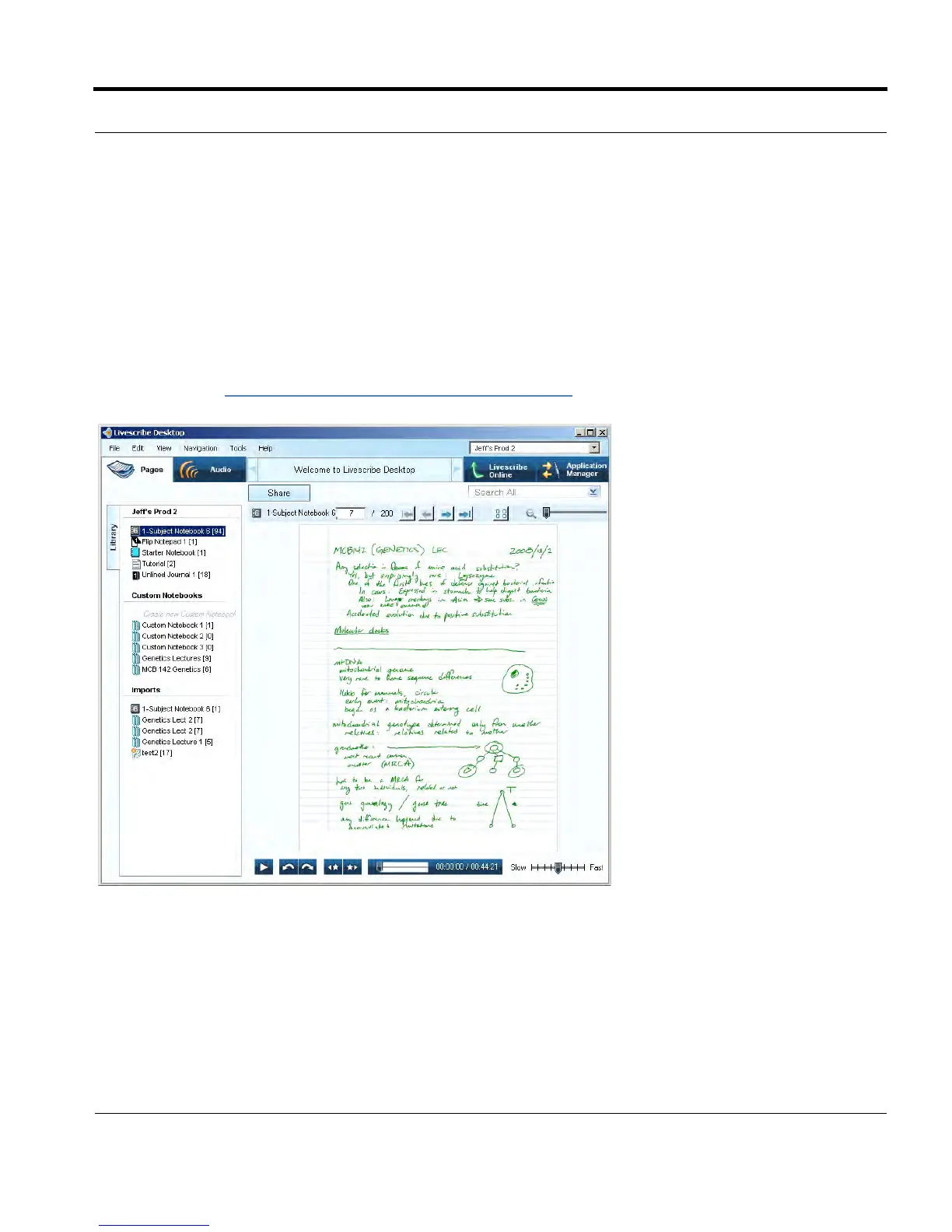
Pages View is the default view when you run Livescribe™ Desktop. You will use this view to look at
pages in your notebooks. You can also play back audio linked to your pages by clicking on green
(active) ink. In Pages View, you can upload pages to your personal space on livescribe.com. In this
view, you can view your notes either as single pages (Single-Page mode) or as thumbnails of multiple
pages (Thumbnail mode). In Thumbnail mode, Livescribe™ Desktop shows only pages with content
as thumbnails. It displays empty pages as overlapping stacks of single blank pages. For more
information, see Viewing and Working with Pages
on page 23.



 To Next Page