Livescribe
™
Desktop for Windows User Guide 21
Menus and Toolbars
Main Toolbar
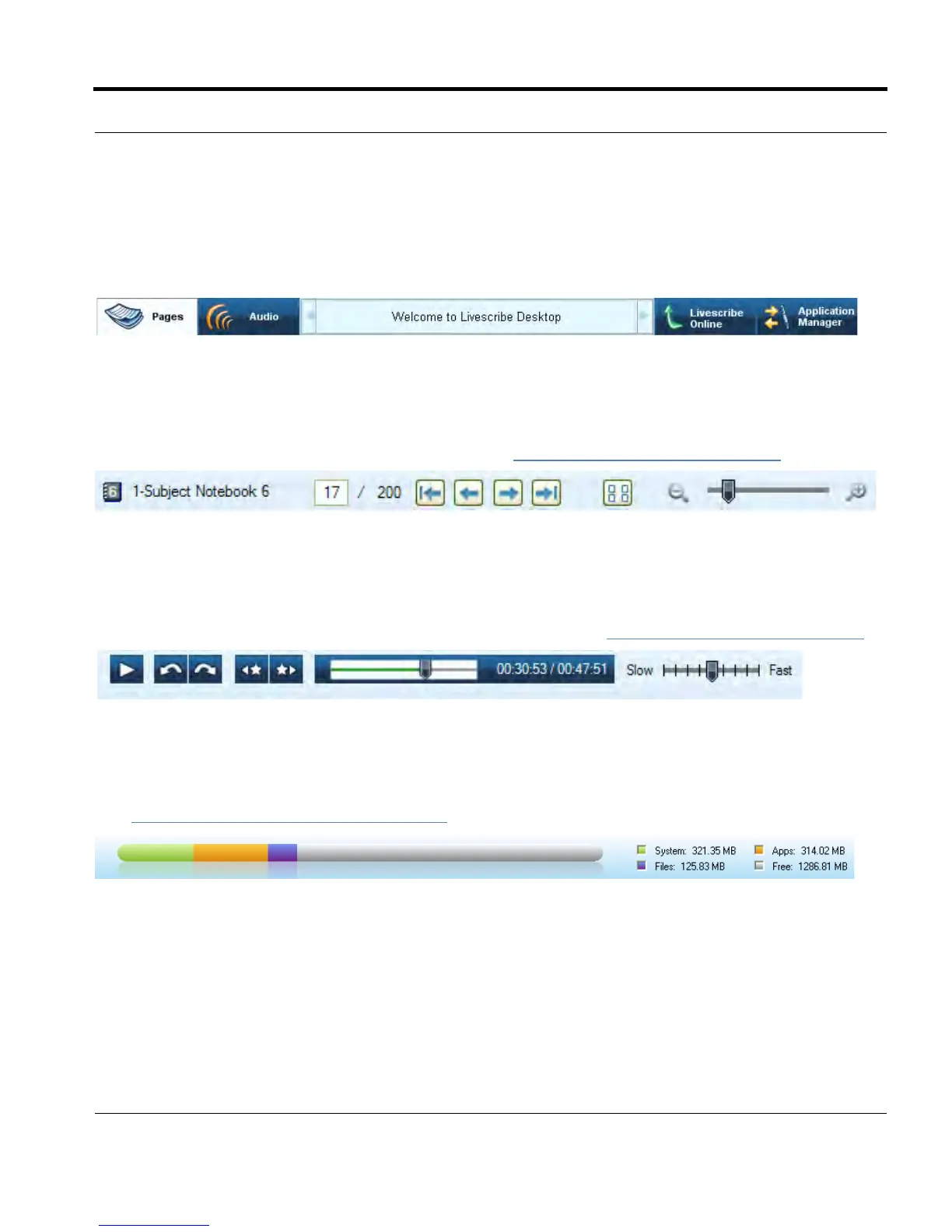
The Main Toolbar is located under the Menu. This toolbar provides buttons for the Main views of
Livescribe™ Desktop. It also provides a messaging area, search field, and pencast/upload features.
Paging Controls
Paging Controls are for paging through notebooks, zooming pages, and toggling between single
page and thumbnail views. For more information, see Using Paging Controls
on page 26.
Audio Controls
Audio Controls are located at the bottom of the Livescribe™ Desktop screen. This toolbar is for
controlling playback of recorded audio. For more information, see Using Audio Controls
on page 37.
Memory Bar
The Memory Bar in Application Manager displays the storage state of your Livescribe™ smartpen.
See Managing Smartpen Storage
on page 79 for more information.



 To Next Page