Livescribe
™
Desktop for Windows User Guide 38
Playing and Working with Sessions
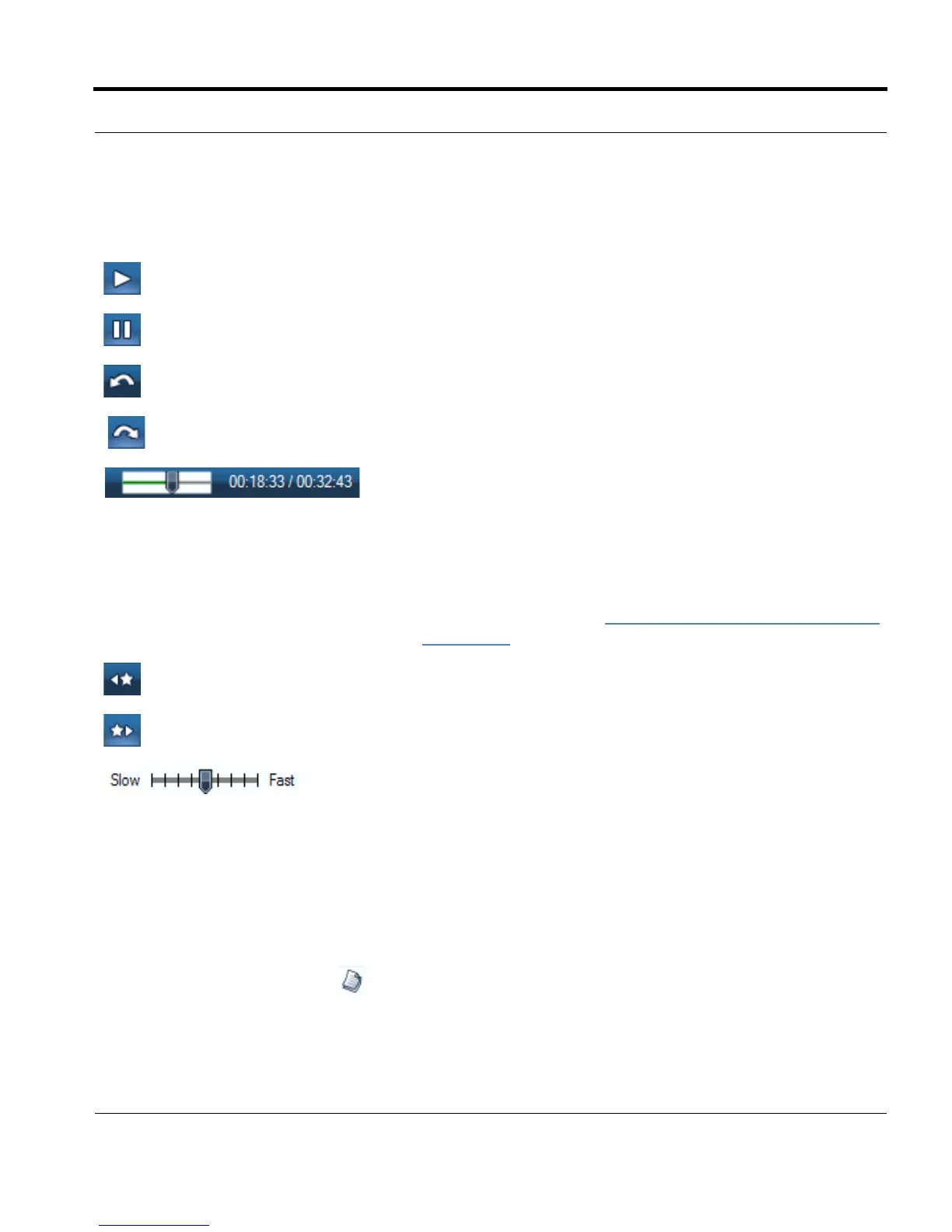
This toolbar has the following buttons and controls:
Viewing Pages Associated with a Session
From Audio View, you can view the pages that have associated audio.
To view these pages, use one of the following methods:
• Click the View Page button next to the session you want to view.
• Choose the session from the list and choose File > View Pages in the Menu.
Begin playing audio
Pause audio
Jump back (in 10 second increments)
Jump forward (in 10 second increments)
Audio timeline control: Indicates the relative position of the
currently playing audio, within the context of the entire audio file.
This control also shows the current elapsed time position of the
audio and the total length of the audio file.
You can also use this control to reposition the audio playback. In
Pages View, as you listen to a session and view its pages, you
can move the slider to move forward or backward in the session.
For more information, see
Playing Audio while Viewing Pages
on page 28.
Jump to previous bookmark
Jump to next bookmark
Playback speed control: Increases or decreases the speed of the
playing audio.



 To Next Page