Livescribe
™
Desktop for Windows User Guide 23
Viewing and Working with Pages
NOTE: You can change the color of active and inactive ink by setting a preference. See Pages Settings
on page 10.
Viewing and Working with Pages
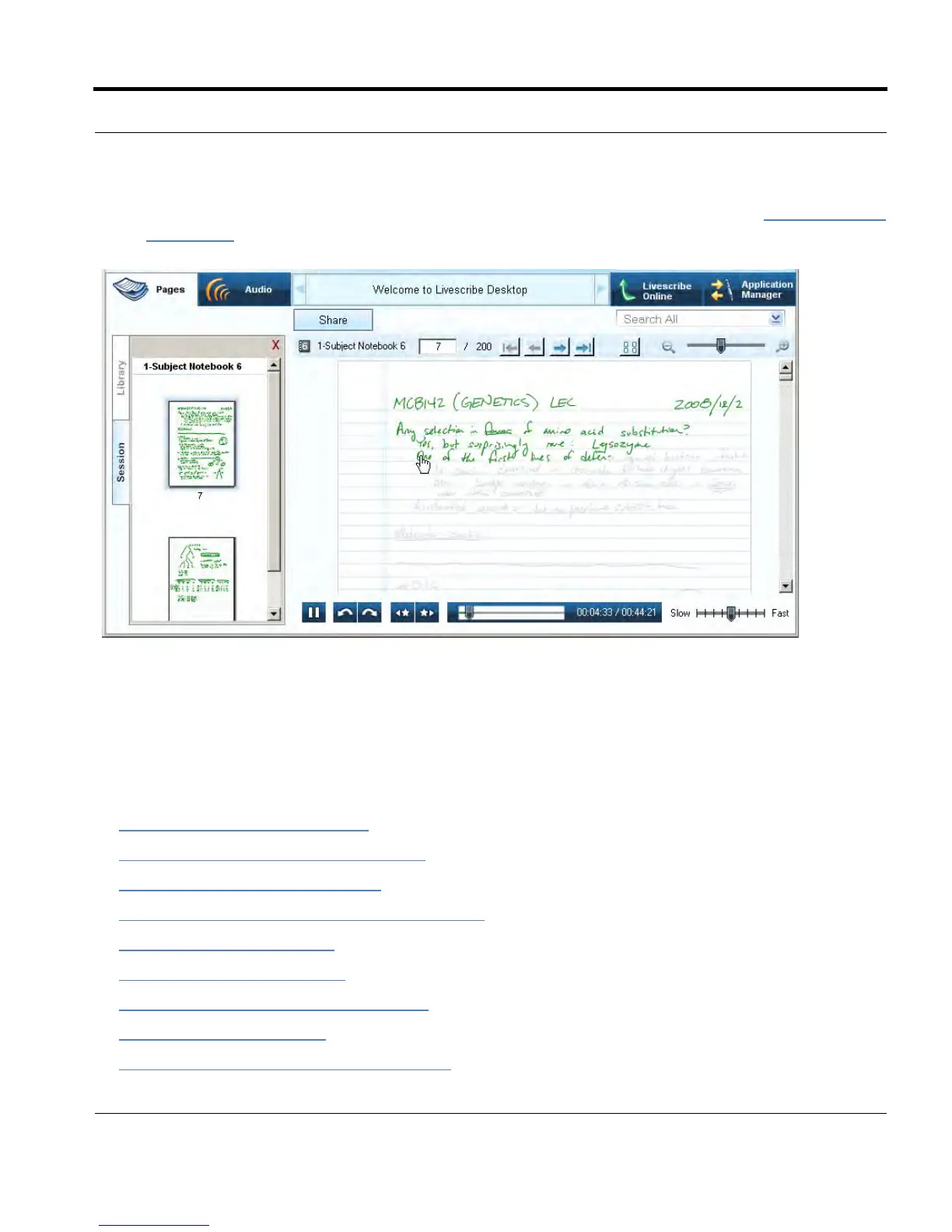
With Livescribe™ Desktop, you can view and work with pages from your notebooks. This topic
describes:
• Viewing Thumbnails on page 24
• Paging through a Notebook on page 25
• Viewing Single Pages on page 27
• Playing Audio while Viewing Pages on page 28
• Zooming Pages on page 29
• Searching Pages on page 31
• Copying and Pasting Pages on page 33
• Printing Pages on page 33
• Converting Handwriting to Text on page 34



 To Next Page