Livescribe
™
Desktop for Windows User Guide 50
Sharing from Audio View
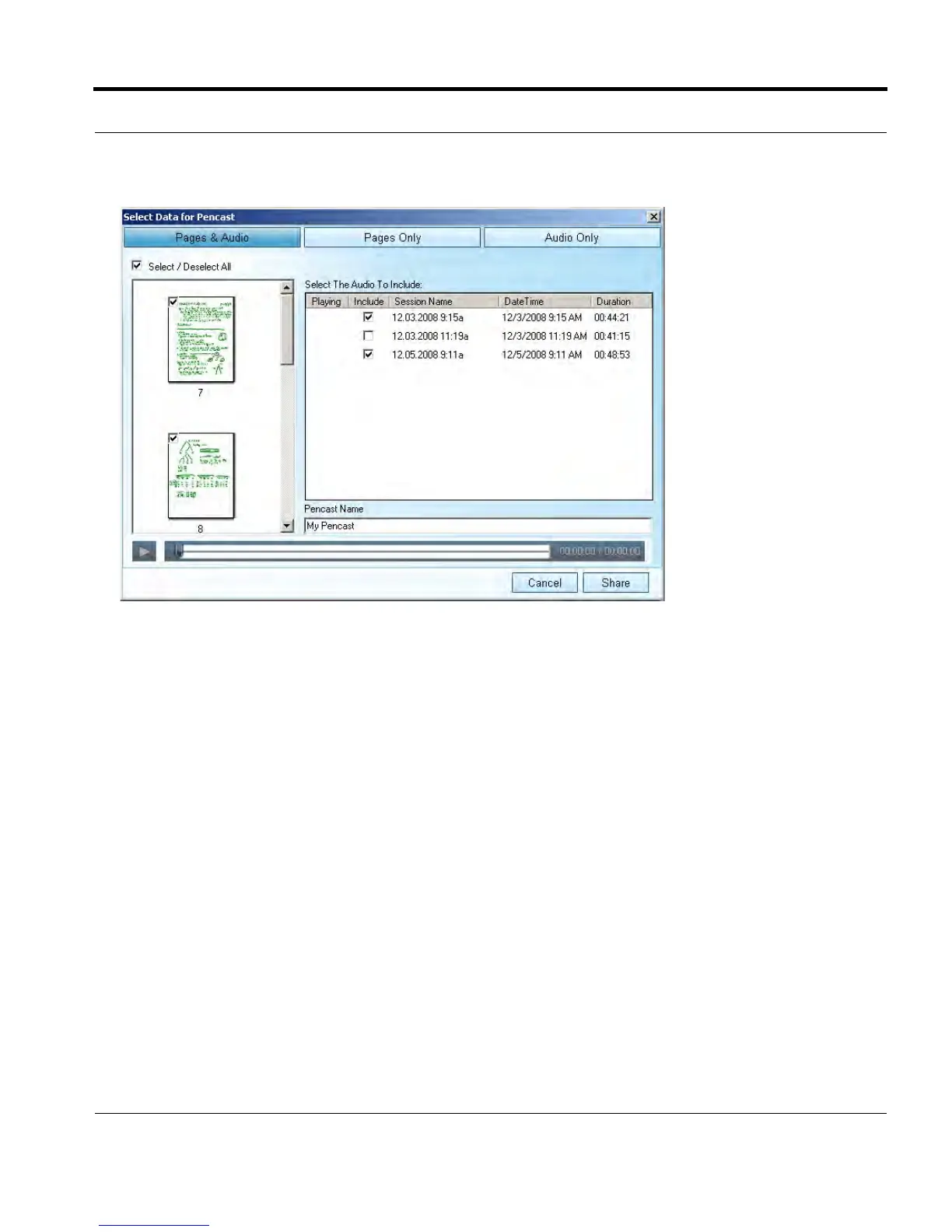
5. From this dialog, choose what to share:
• Pages and Audio: Share the audio you selected and its associated pages
• Pages Only: Share just the pages associated with your selected audio
• Audio Only: Share just your selected audio
6. Refine your sharing options:
• If you are sharing pages, use the checkboxes to select pages individually or select all pages.
• If you are sharing audio only or audio and pages, check one or more audio session(s) to export
from the list of available sessions.



 To Next Page