Livescribe™ Smartpen User Guide 22
Writing and Recording Audio
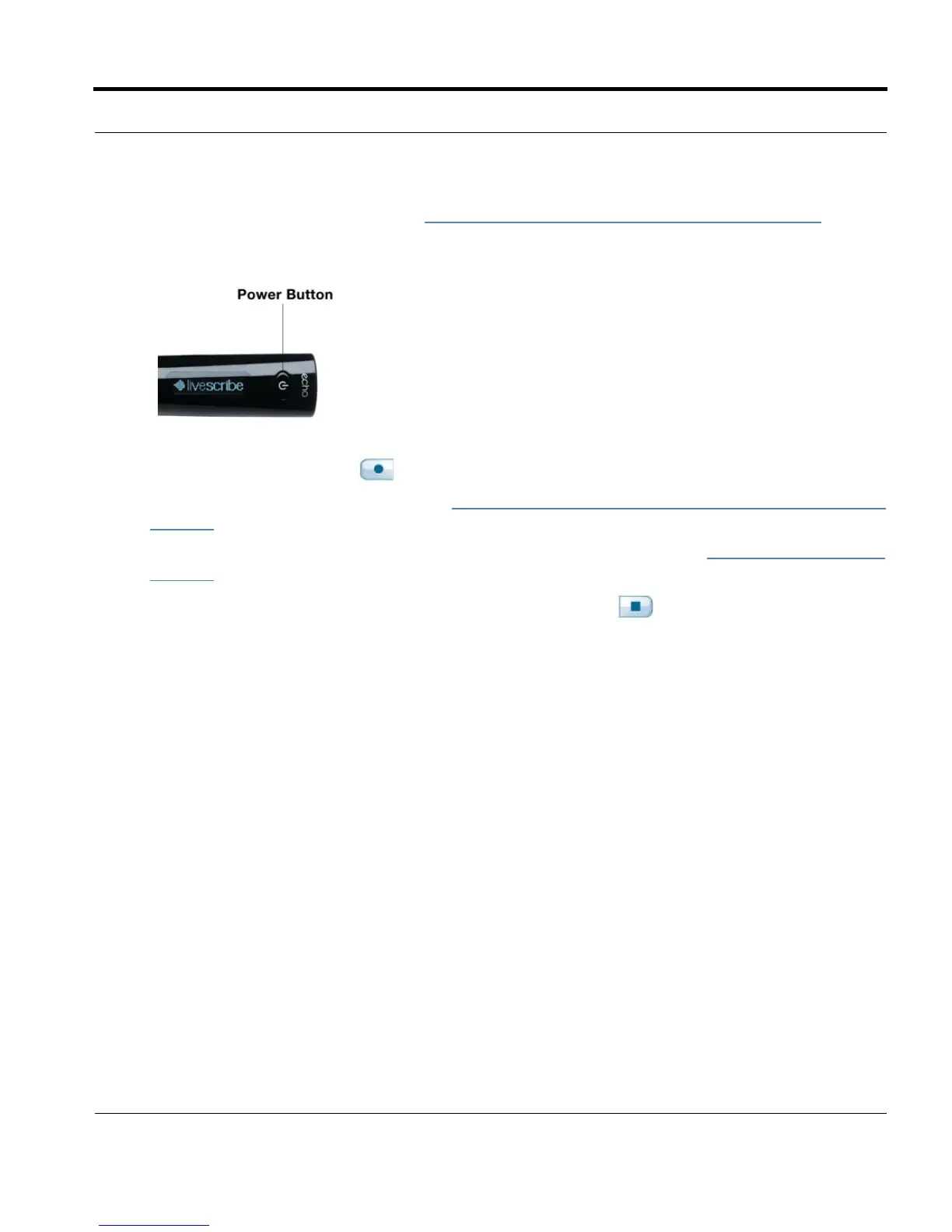
• Use the Quick Record feature (see Starting Recording Using Quick Record on page 70). Press
and hold the Power button for approximately five seconds until the display indicates that the
recording started.
• Tap on the Record button in any Livescribe™ dot paper product, such as a Livescribe
notebook, journal, or flip notepad. See.Starting Recording with a Pre-Printed Record button
on
page 70
• Launch the Paper Replay™ application directly from the Nav Plus. See Using the Nav Plus on
page 46 for more information.
3. When you have finished recording audio, tap on the Stop button in any notebook. Or, stop the
Paper Replay™ application with the Nav Plus.


 To Next Page