Livescribe™ Smartpen User Guide 36
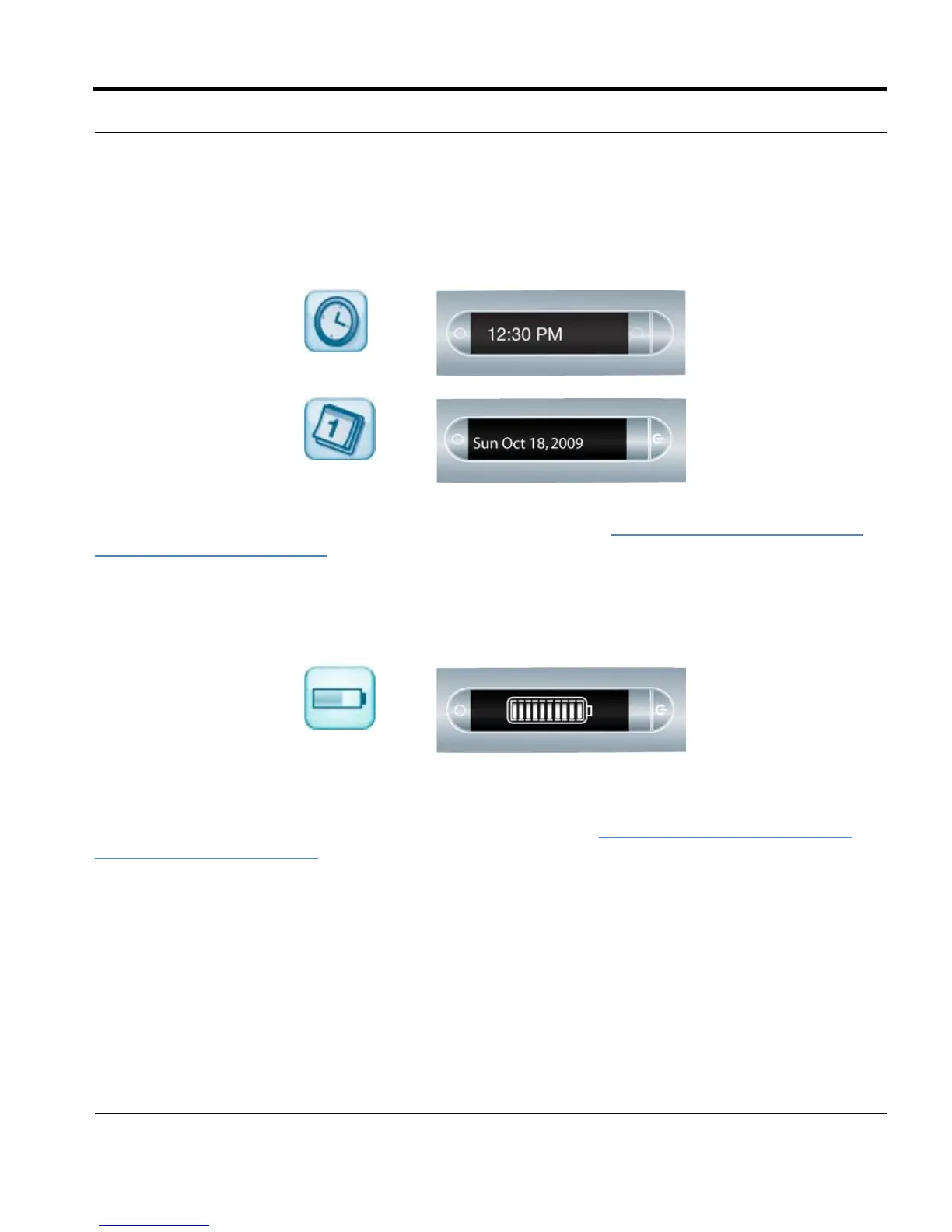
Viewing the Date and Time
1. Tap the Time button
to check the current
time.
2. Tap the Date button
to check the current
date.
You can also view the date and time using a quick command. See Viewing the Time and Date with
Quick Commands on page 65.
Viewing the Battery Level
1. Tap the Battery
button to see the
current battery
charge. The indicator
pictured shows a full
battery.
You can also view the battery level using a quick command. See Viewing the Battery Level with a
Quick Command on page 63.



 To Next Page