Livescribe™ Smartpen User Guide 56
Using Quick Commands
Locating and Playing a Recent Session with a Quick Command
Use the Play Quick Command to get fast access to your saved Paper Replay™ sessions. To quickly
show the top item in your “Play Session” list:
T
IP: Once you have written a Quick Command, you
can tap where you wrote it to repeat the
command. That is, you can re-launch the
application at any time by tapping your Quick
Command.
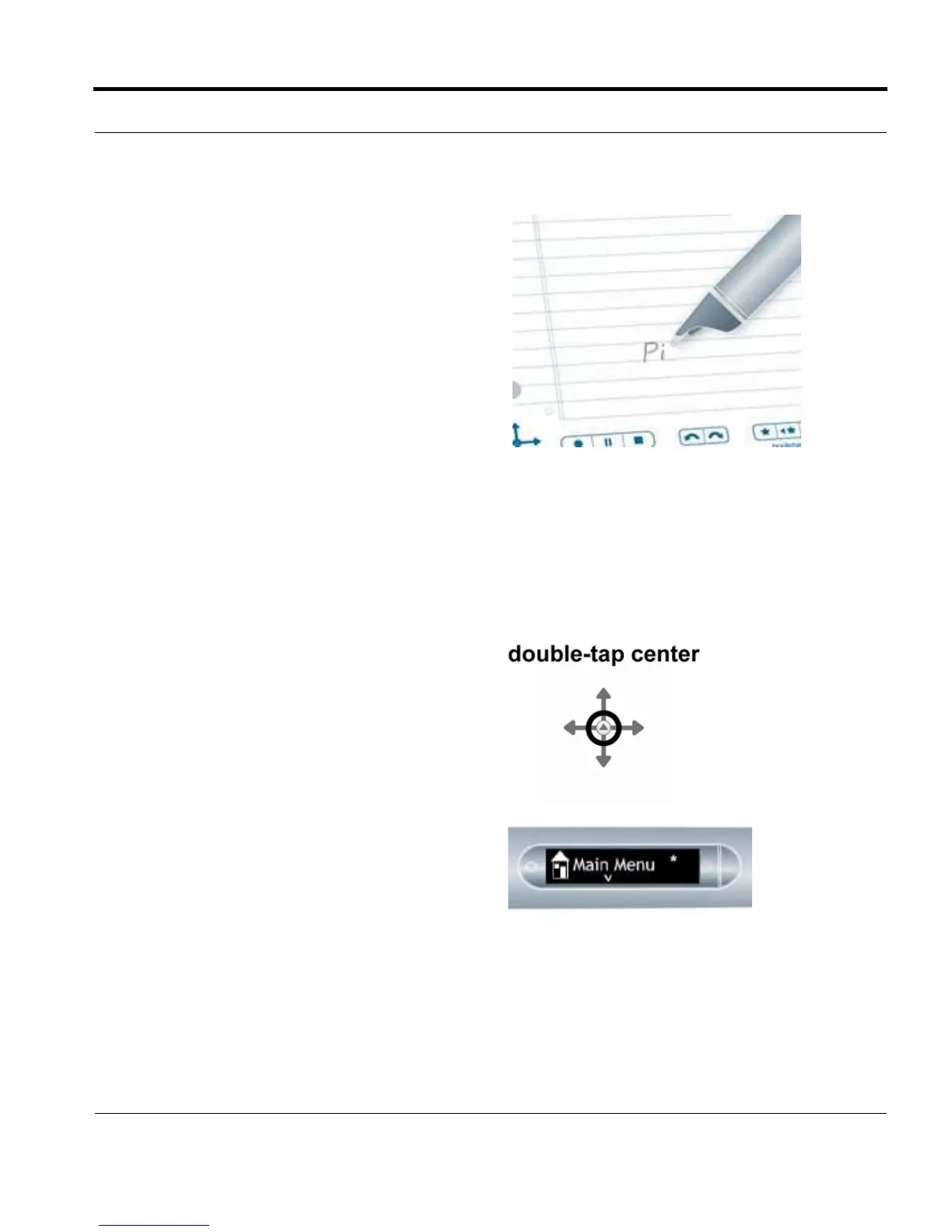
1. Double-tap on the center of a Nav Plus. A
double-tap is two taps in quick succession.
2. Your smartpen will display the Quick Command
indicator in the Main Menu. It is waiting for you
to write a Quick Command.



 To Next Page