Livescribe™ Smartpen User Guide 63
Using Quick Commands
Viewing the Battery Level with a Quick Command
To view the current battery level of your Livescribe smartpen:
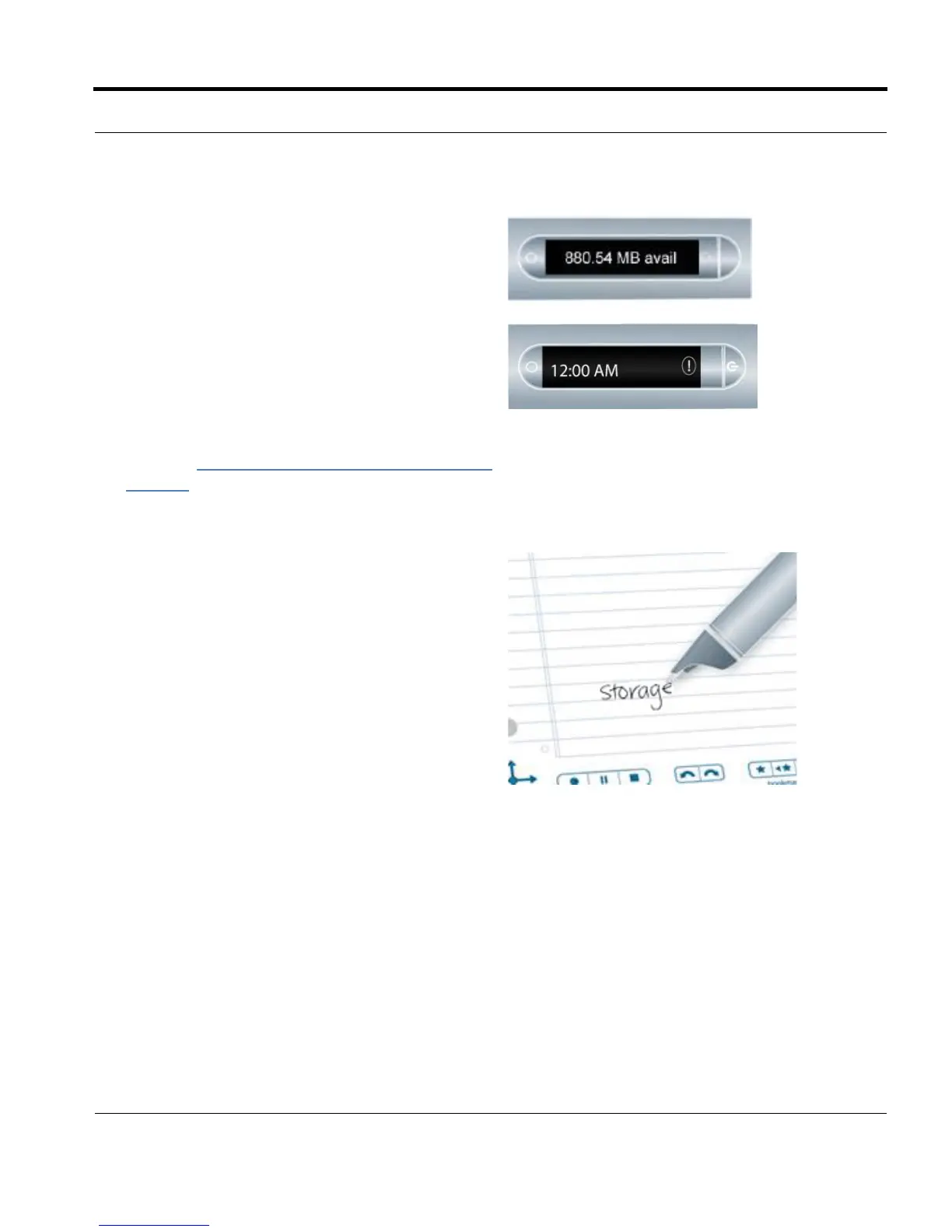
5. Your smartpen will display the available
memory.
NOTES:
• If available space is less than 1 MB, your
smartpen will display memory in available KB.
• If you see the circled exclamation mark indica-
tor on the right side of the display, check your
available memory on the Livescribe smartpen
as it is almost full.
To learn about managing your smartpen stor-
age, see Deleting Paper Replay™ Sessions
on
page 83 in this guide and Managing your
Smartpen in the Livescribe Desktop User
Guide.
6. Once you have written a Quick Command, you
can tap where you wrote it to repeat the
command.



 To Next Page