Livescribe™ Smartpen User Guide 71
Recording Sessions
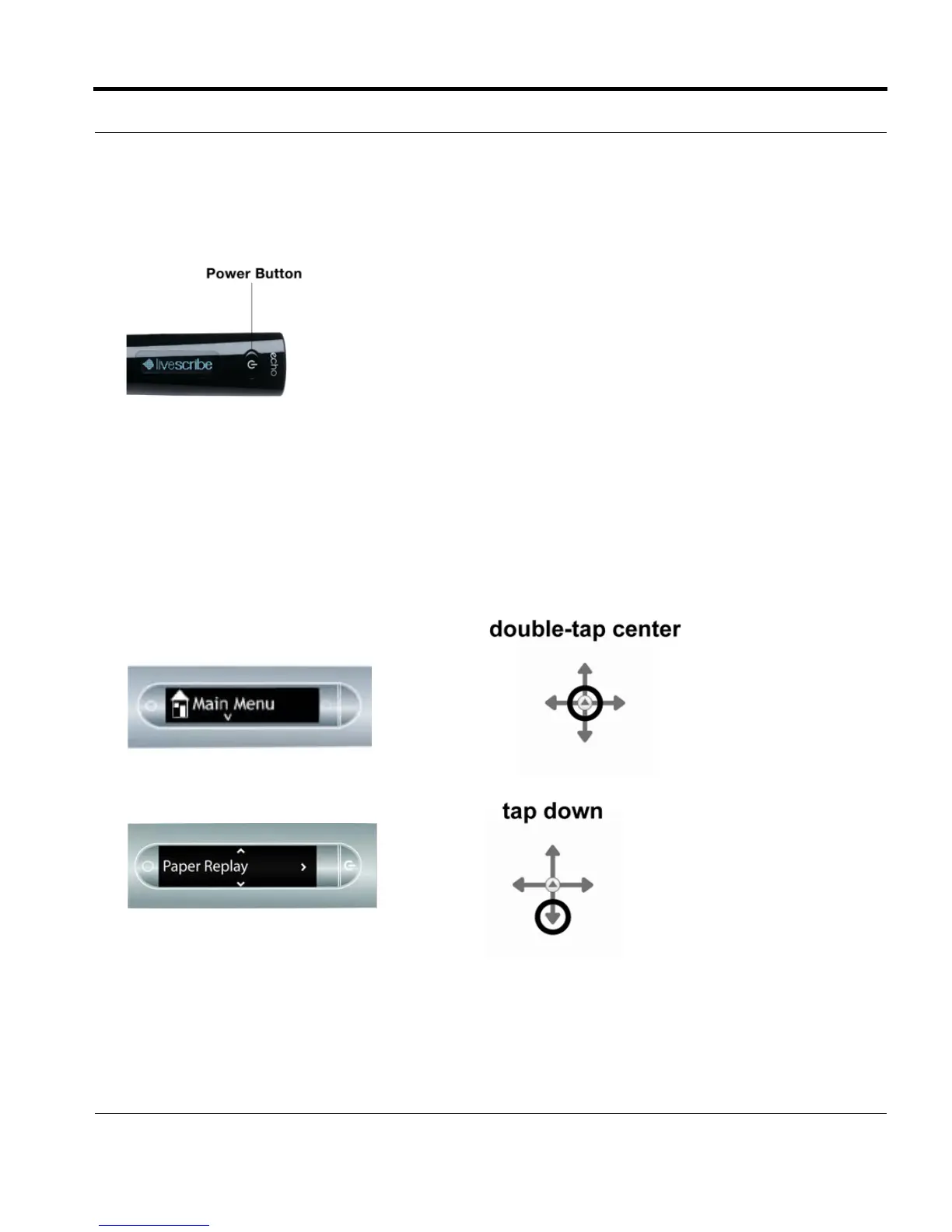
2. Press and hold the Power button for approximately five seconds until the display indicates that the
recording started.
NOTE: If your smartpen is off, press and hold the Power button until the start sequence and the word
“REC…” appear on the display. Also, if you write on Livescribe™ dot paper after starting
recording with Quick Record, your smartpen will link your notes and audio.
Starting Recording Using a Nav Plus
1. Double-tap on the center of the Nav Plus to
go to your smartpen Main Menu.
2. Tap down until Paper Replay™ is displayed.



 To Next Page