Livescribe™ Smartpen User Guide 78
Setting Session Bookmarks
NOTE: Audio that is played back either sped up or slowed down is no longer in stereo. Audio plays in
mono until it is returned to normal speed.
Setting Session Bookmarks
Bookmarks allow you to flag a section of audio and later jump to it quickly and easily. You can add
bookmarks as you record, or add them later when listening to your recording.
Adding Bookmarks
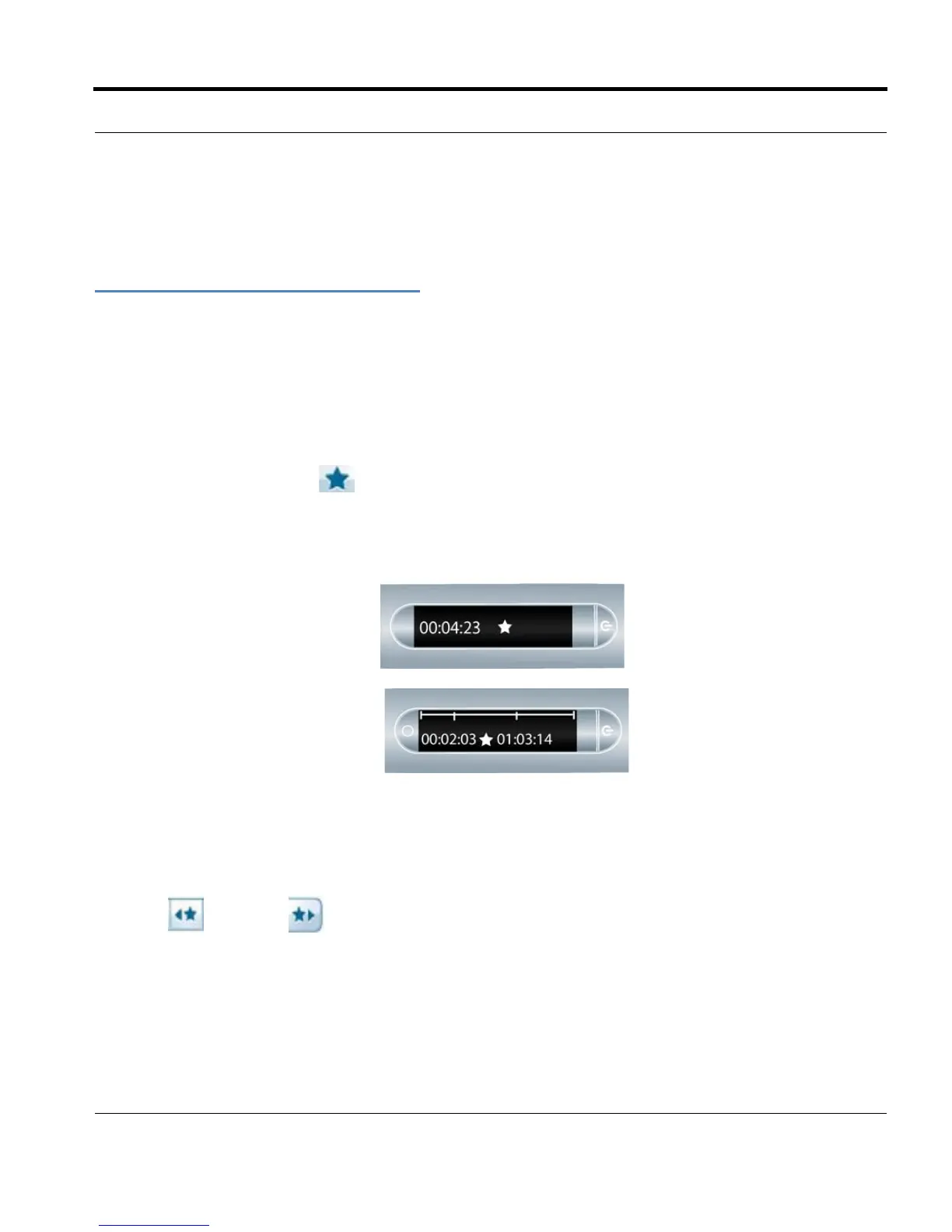
• Tap the Bookmark button during either recording or playback. A bookmark will be placed at
that point in the audio file.
Adding a bookmark during recording
Adding a bookmark during playback
Reviewing Bookmarks
After you have added bookmarks to an audio session, you can scan through the bookmarks using the
Previous
and Next bookmark buttons.
During playback, your smartpen display will in
dicate the bookmarks in the audio timeline.



 To Next Page