Livescribe™ Smartpen User Guide 37
Viewing Storage Available
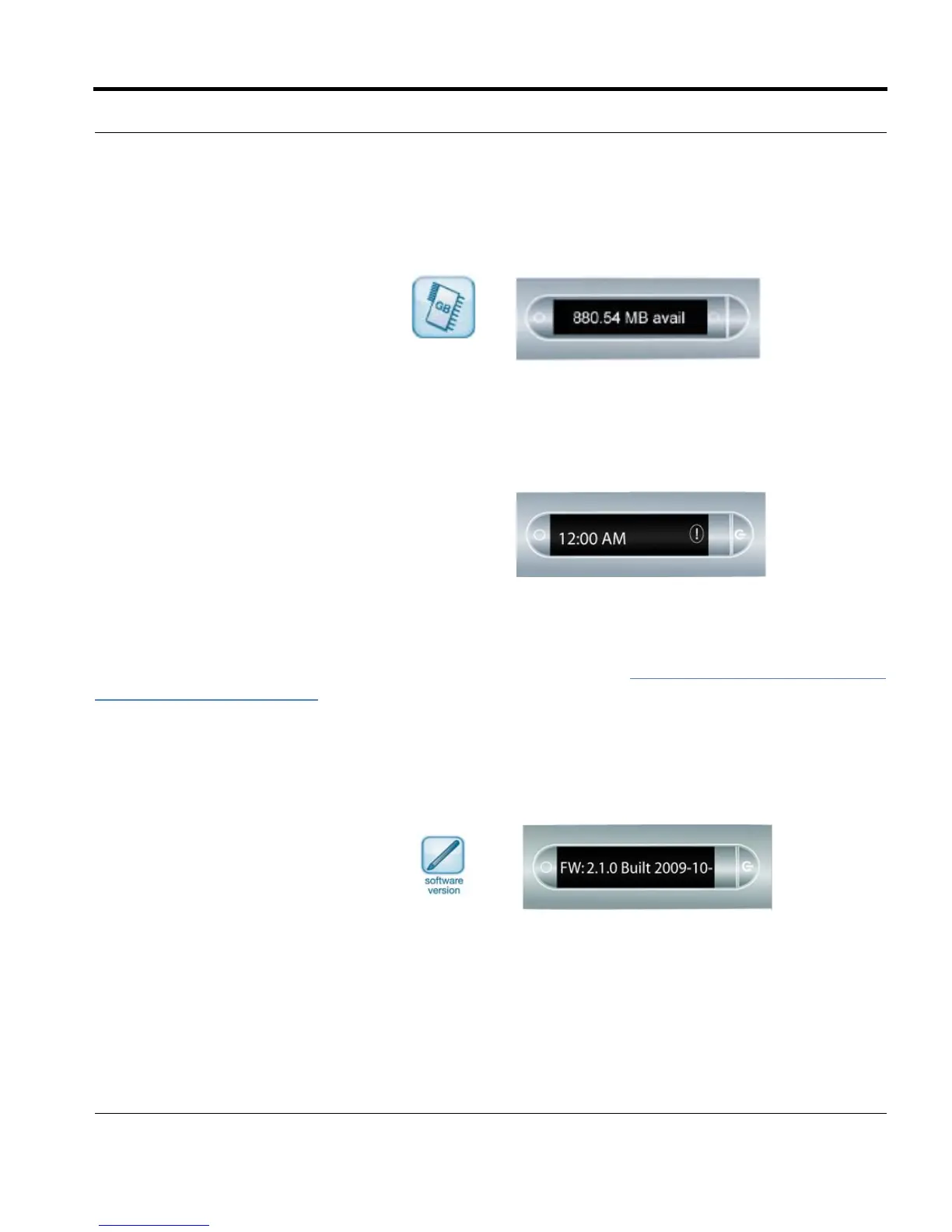
1. Tap the Storage button once to see
amount of remaining storage in
megabytes and tap a second time
to see the remaining recording
time based on the current audio
(recording) quality settings.
IMPORTANT: If you see the circled
exclamation mark
indicator on the right side
of the display, check your
available memory on the
Livescribe smartpen as it
is almost full.
You can also view the available storage using a quick command. See Viewing Available Storage with a
Quick Command on page 61.
Viewing the Software Version
Tap the Software version button to see
the current version of software installed
on your smartpen.
NOTE: If available space is less than 1
MB, your smartpen will display
memory in available KB.



 To Next Page