Livescribe™ Smartpen User Guide 32
Setting the Time
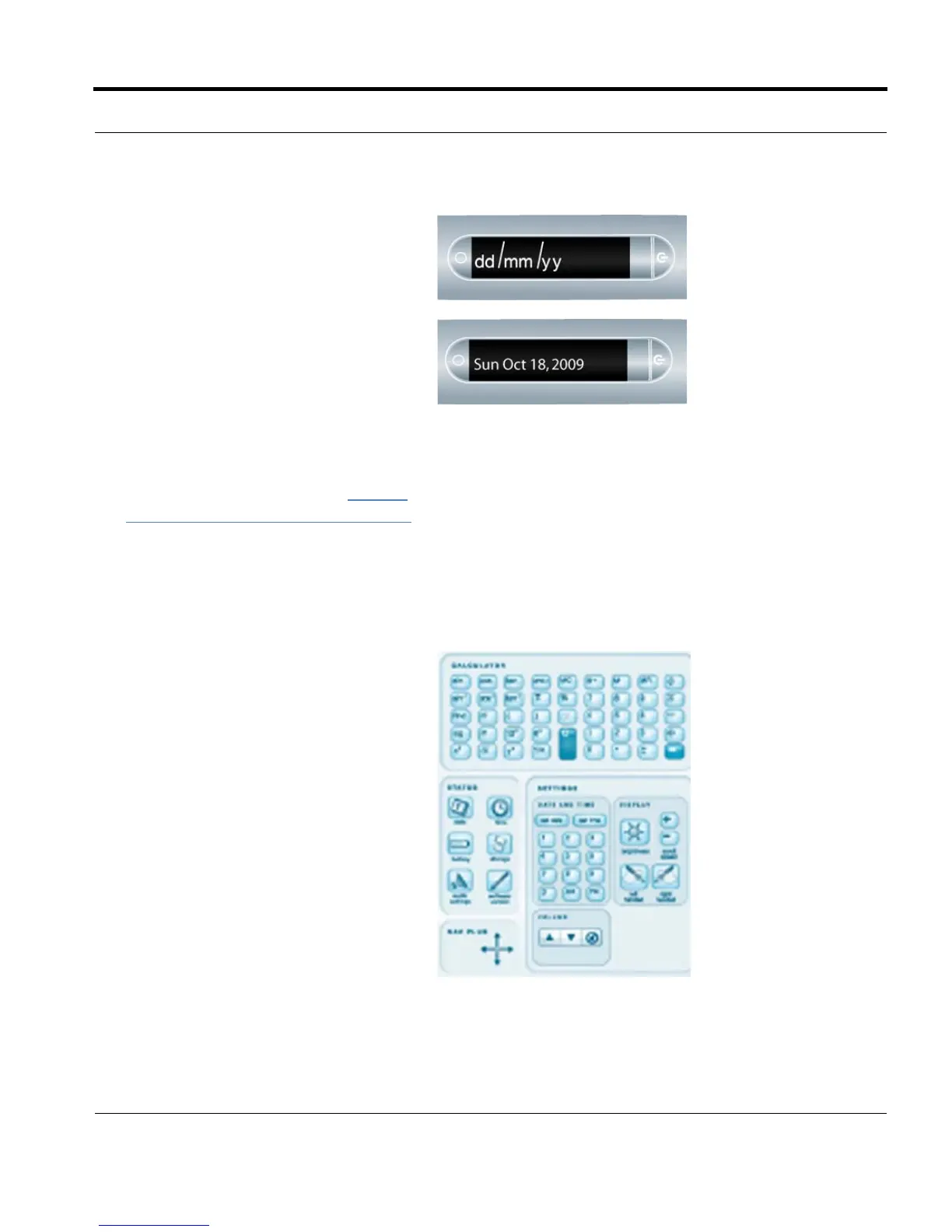
3. Tap the printed keypad and type the
current date.
Example: Tapping 101809 sets the
d
ate to Sunday, October 18, 2009 for
the date format of mm/dd/yy.
Your smartpen will now display the
d
ate you entered.
NOTES:
• If you make a mistake while entering
the date, simply tap on the Set Date
buttons again to start over.
• To set the date format, see 19TUSetting/
Viewing the Date Format on page 43.
1. With your smartpen turned on, open
the inside cover of your notebook.
Locate the Settings area.



 To Next Page