Livescribe™ Smartpen User Guide 65
Using Quick Commands
Viewing the Time and Date with Quick Commands
You can use Quick Commands to check the time or date. Or, you can check the current Time and Date
by tapping on the printed Time
and Date buttons on the inside cover of your notebook
under St
atus.
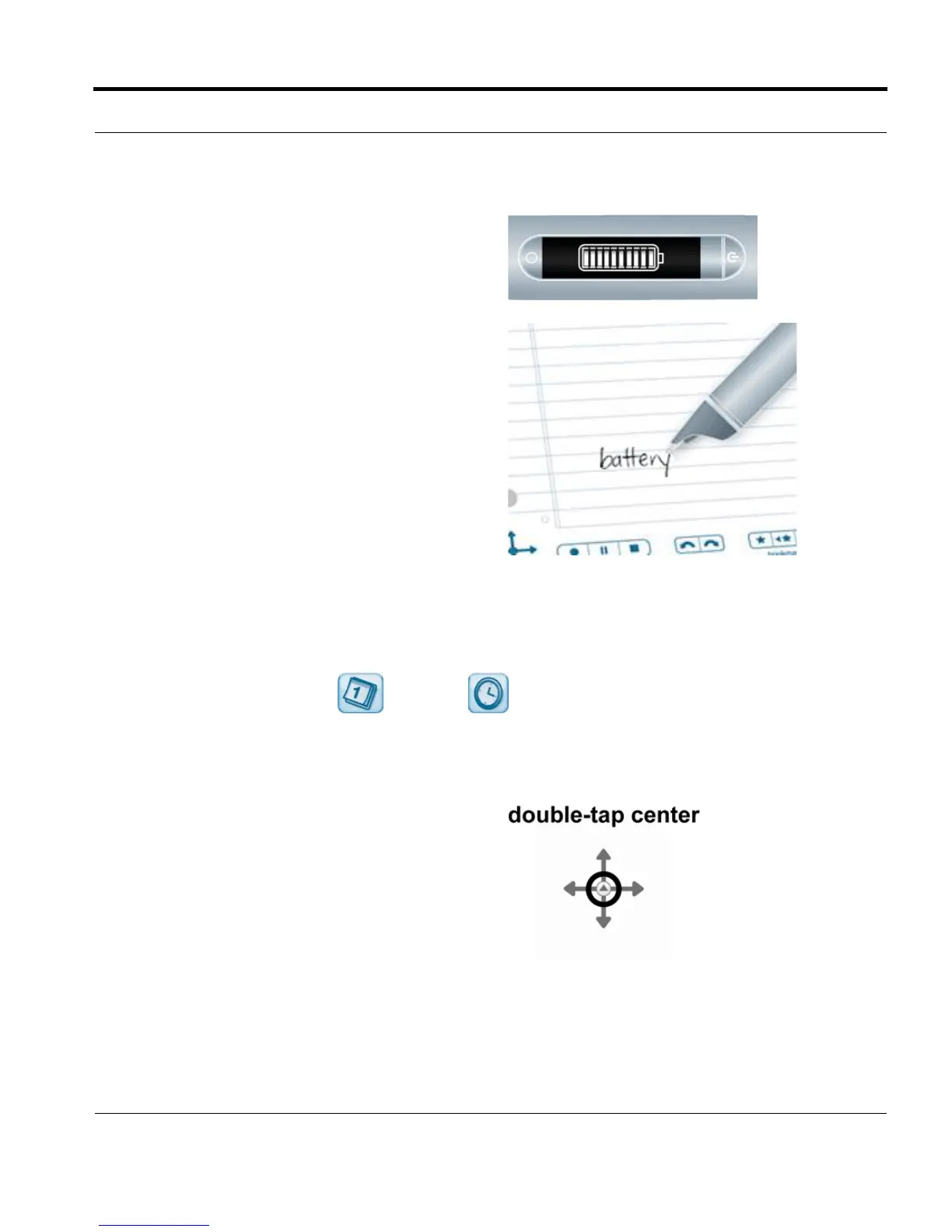
5. Your smartpen will display the remaining
battery power.
6. Once you have written a Quick Command, you
can tap where you wrote it to repeat the
command.
1. Double-tap on the center of a Nav Plus. A
double-tap is two taps in quick succession.



 To Next Page