Livescribe™ Smartpen User Guide 73
Pausing/Resuming a Recording or Session Playback
Pausing/Resuming a Recording or Session Playback
You can suspend recording or audio playback of a session with the Pause button printed on
the bottom of each notebook page. To resume recor
ding or playback, simply tap Pause a second time.
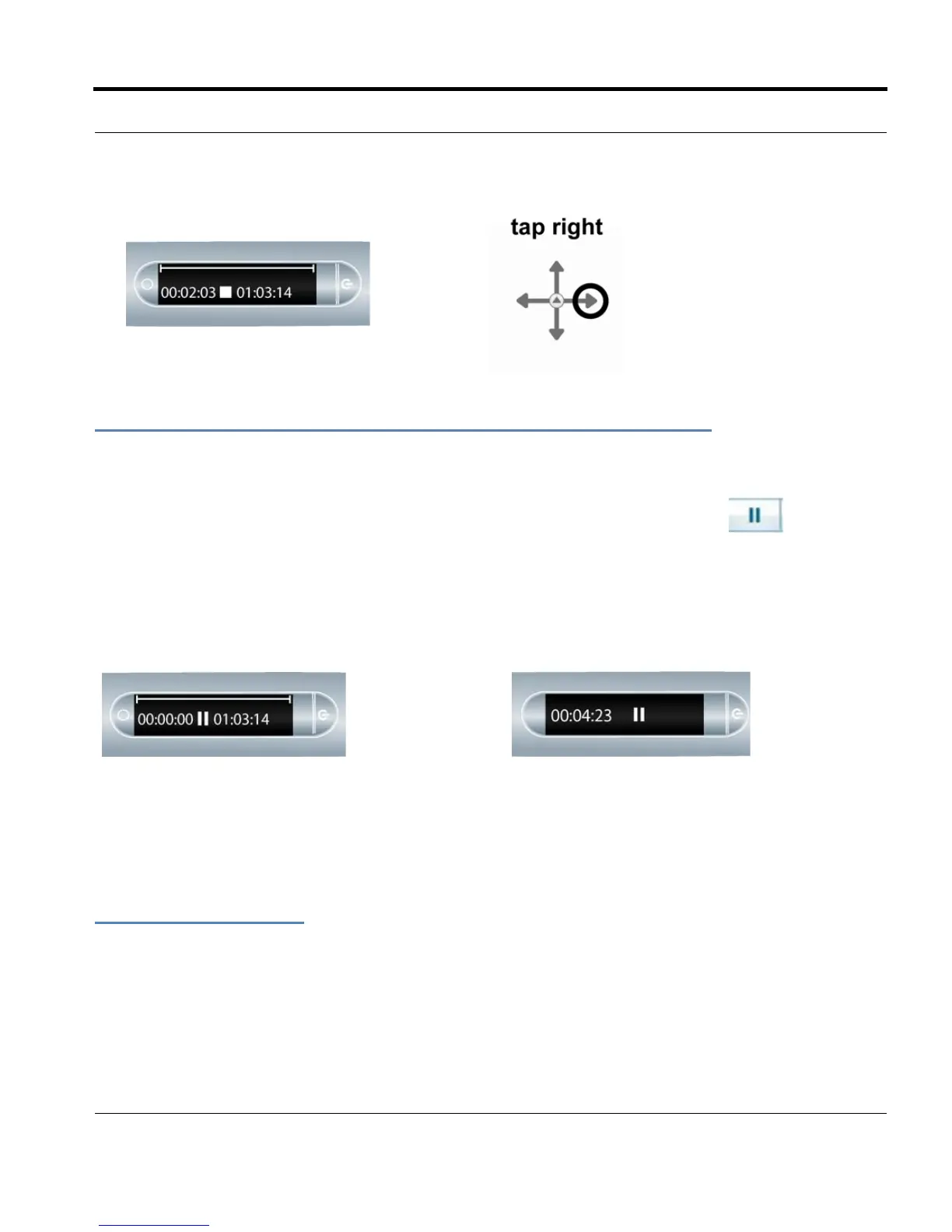
While your smartpen is paused, a pause icon will appear on the display.
Paused during Playback
Paused during Recording
While your smartpen is paused, it will continue to capture a copy of your digital notes. Any notes that
you write after you tap pause are linked to the audio that occurred the moment before you tapped
Pause. When you tap on notes that were written while paused, your smartpen will play back the
recording from the moment just before you tapped Pause.
Playing a Session
There are three ways to play back a session:
2. Tap right to stop recording of the session



 To Next Page