Livescribe™ Smartpen User Guide 23
Charging an Echo™ Smartpen
Charging an Echo™ Smartpen
The USB connector for an Echo™ smartpen is located on the top next to the headset jack. This is a
standard micro USB connector that is compatible with any standard USB charging cable. Follow these
steps to charge your smartpen
1. Before charging your Echo™ smartpen,
download and install the Livescribe
Desktop software from
http://
www.livescribe.com/install.
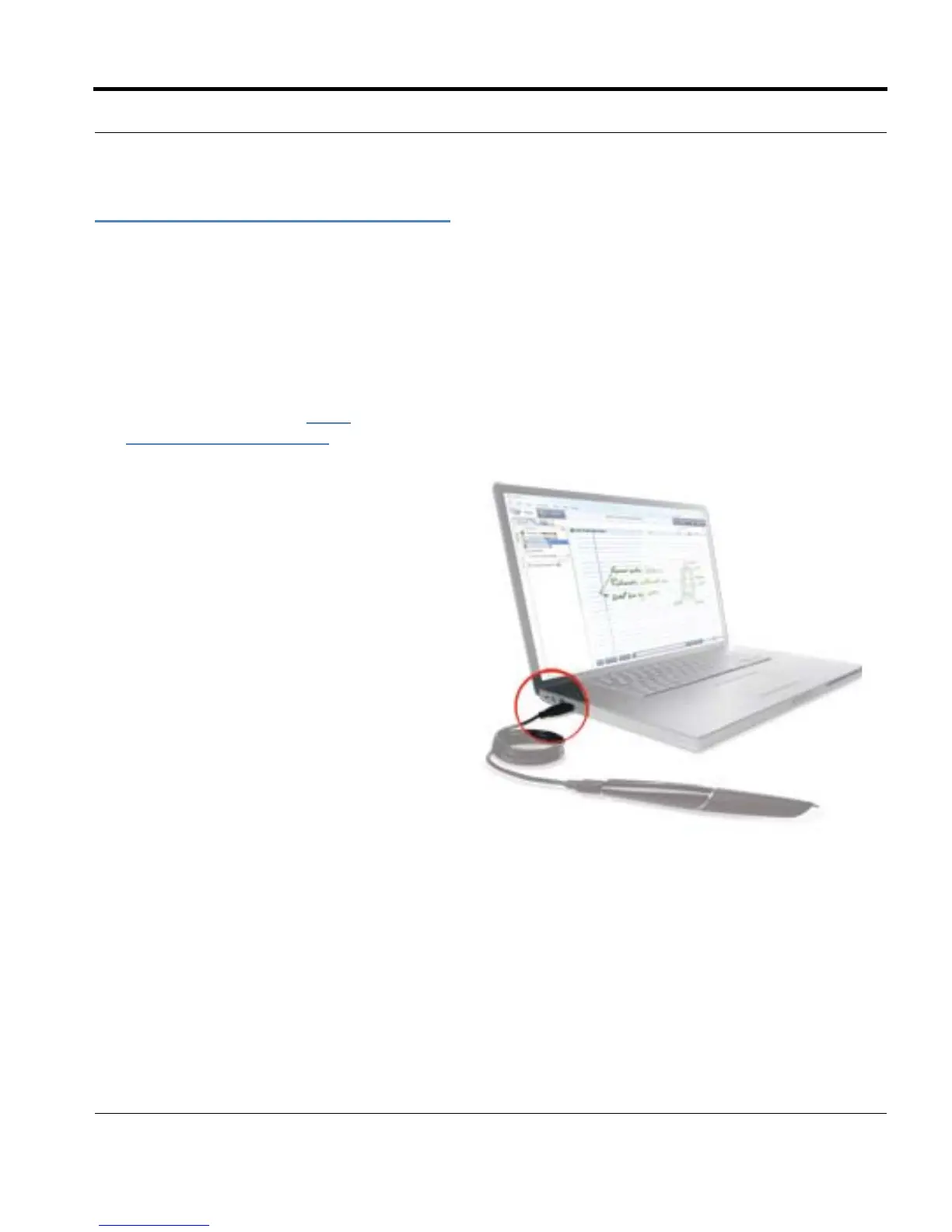
2. Plug your Micro-USB cable into the USB
port on your computer and plug the other
end of the cable into your smartpen.
NOTE: You can also charge the Echo
smartpen directly from an electrical
outlet with the Universal USB AC Wall
Adapter.



 To Next Page