Livescribe™ Smartpen User Guide 61
Using Quick Commands
Viewing Available Storage with a Quick Command
To display the amount of available memory on the Livescribe smartpen:
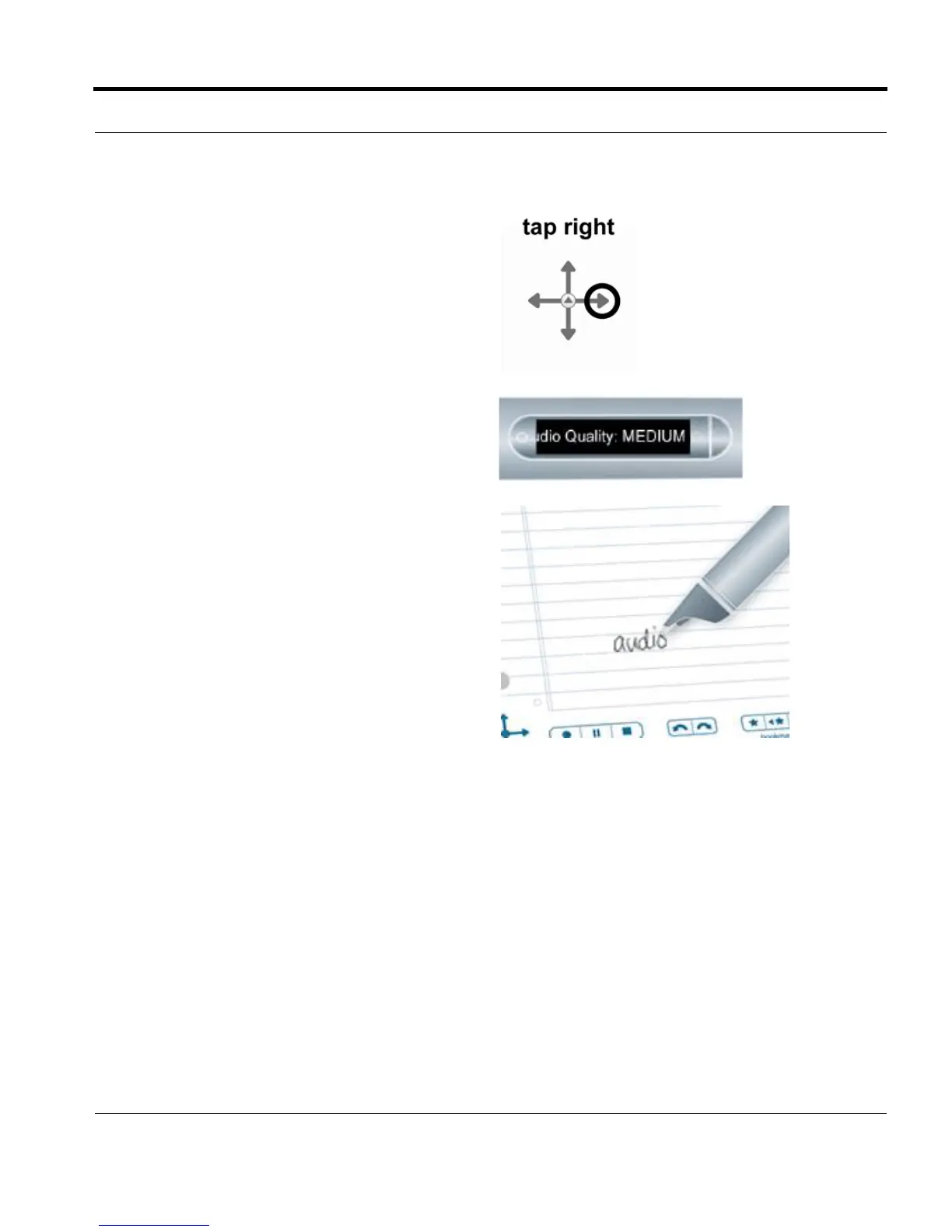
4. Right-tap on the Nav Plus, or double-tap on
any open paper.
5. Your smartpen will display its audio settings.
6. Once you have written a Quick Command,
you can tap where you wrote it to repeat the
command.



 To Next Page