Livescribe™ Smartpen User Guide 62
Using Quick Commands
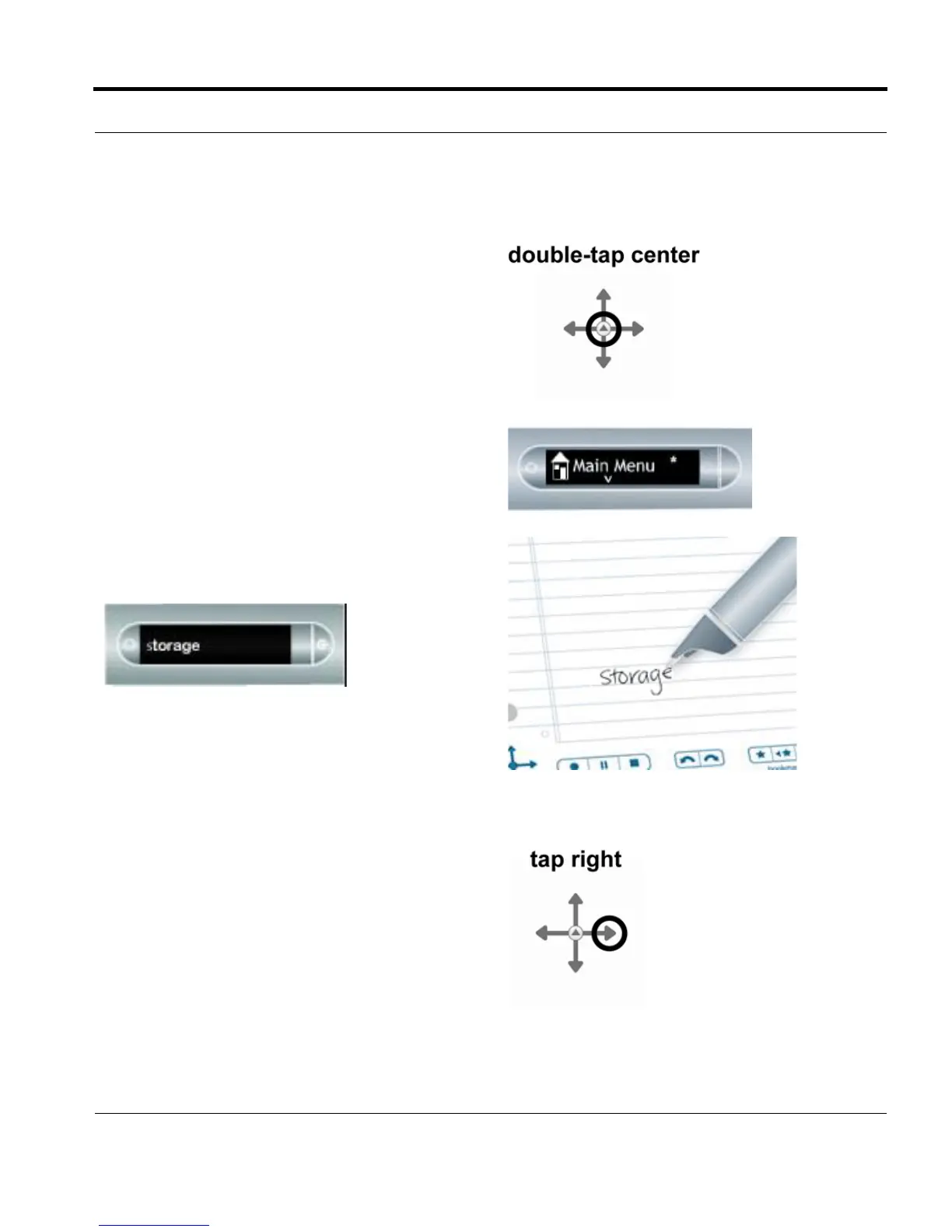
1. Double-tap on the center of a Nav Plus. A
double-tap is two taps in quick succession.
2. Your smartpen will display the Quick Command
indicator in the Main Menu. It is waiting for you
to write a Quick Command.
3. Within three (3) seconds, write the word
“storage.”
NOTE: Using its predictive text feature, your
smartpen will display the first command that
matches your written input In this case,
storage is displayed as soon as you write an
“s”. As soon as you see the command you
want on the display, you can stop writing.
4. Right-tap on the Nav Plus, or double-tap on
any open paper.



 To Next Page