Livescribe™ Smartpen User Guide 54
Using Quick Commands
• Show the current time or date. See Viewing the Time and Date with Quick Commands on page 65.
Launching Applications with a Quick Command
Quick Launch is a Quick Command you can use to start smartpen applications. You can use Quick
Launch to start any applications available in the Main Menu and other folders within it.
N
OTE: You can write Quick Launch commands in your native language for certain Livescribe smartpen
applications. For example, a German user can launch Piano by creating a Quick Launch
command named Klavier.
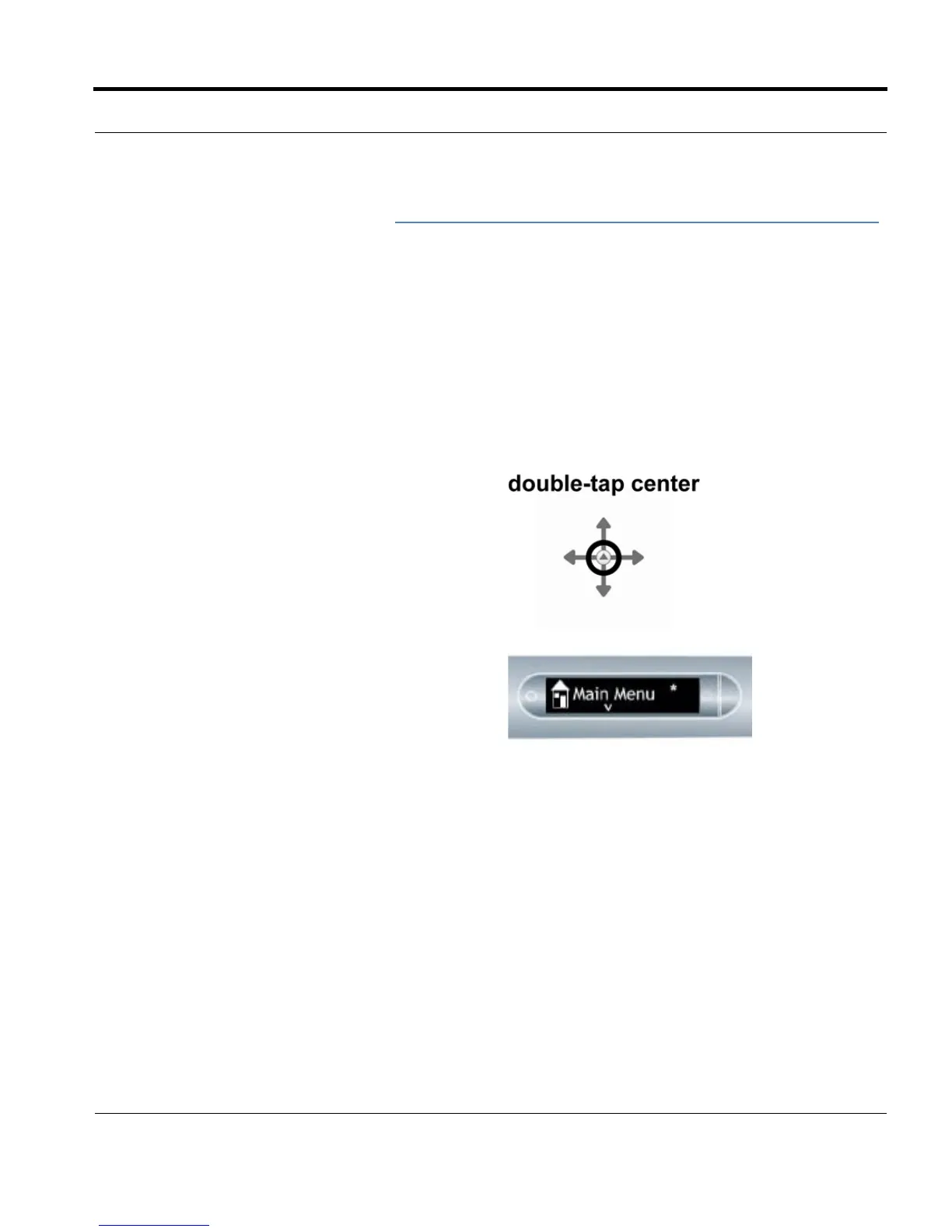
1. Double-tap on the center of a Nav Plus. A
double-tap is two taps in quick succession.
2. Your smartpen displays the Quick Command
indicator (asterisk) in the Main Menu. It is
waiting for you to write a Quick Command.



 To Next Page