Livescribe™ Smartpen User Guide 30
You can also view the status of your smartpen, including:
• Storage available
• Battery level
• Software version
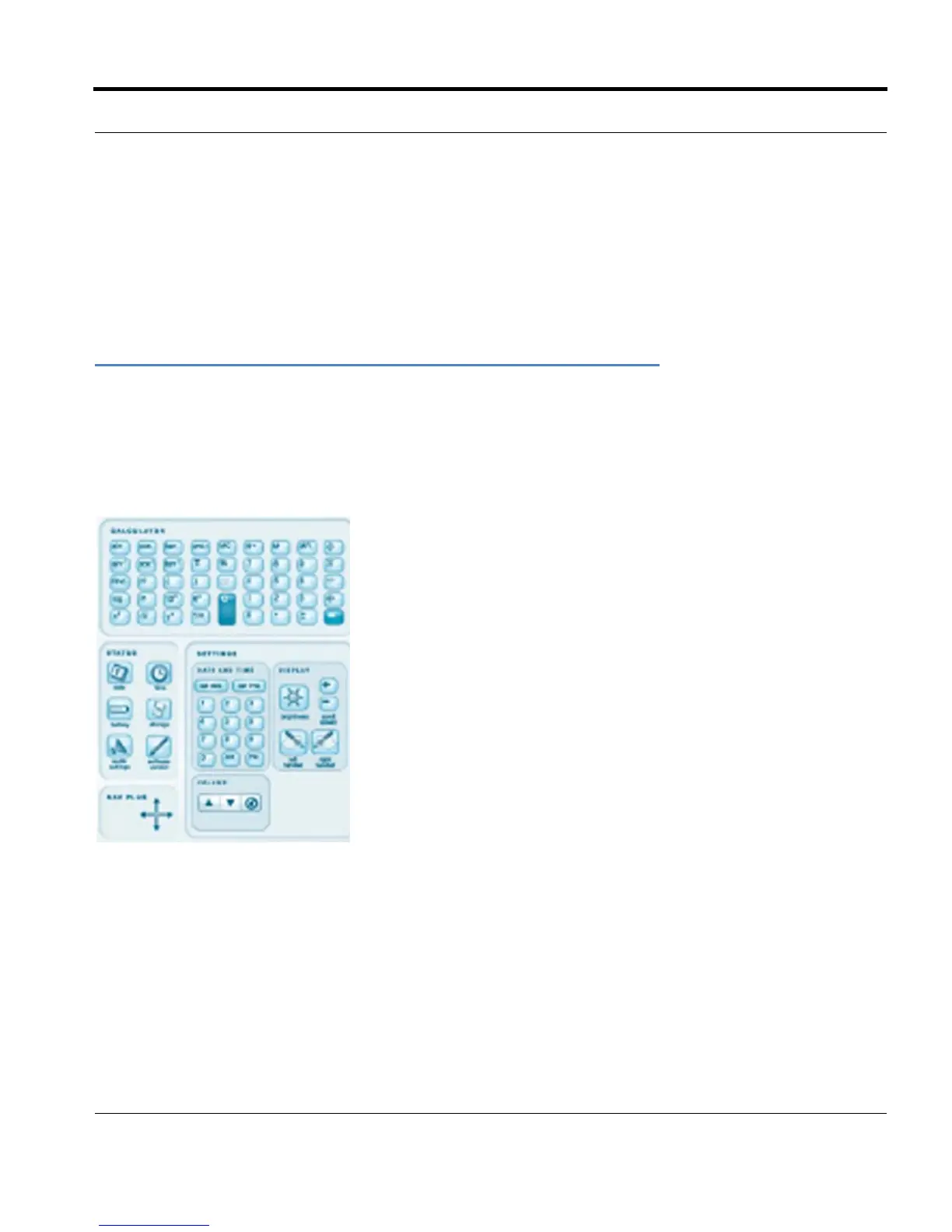
Using a Notebook’s Settings and Status Buttons
Livescribe notebooks provide printed buttons you can use to view and change settings. Some
notebooks have more printed buttons than others for viewing and changing settings.Most notebooks
include Settings and Status areas, with various printed buttons.
Using the Settings area printed buttons you can change some smartpen settings, including:
• Date and time
• Display brightness
• Scroll speed
• Display orientation
• Audio volume and mute


 To Next Page
 Loading...



