Livescribe™ Smartpen User Guide 40
Using the Settings Menu
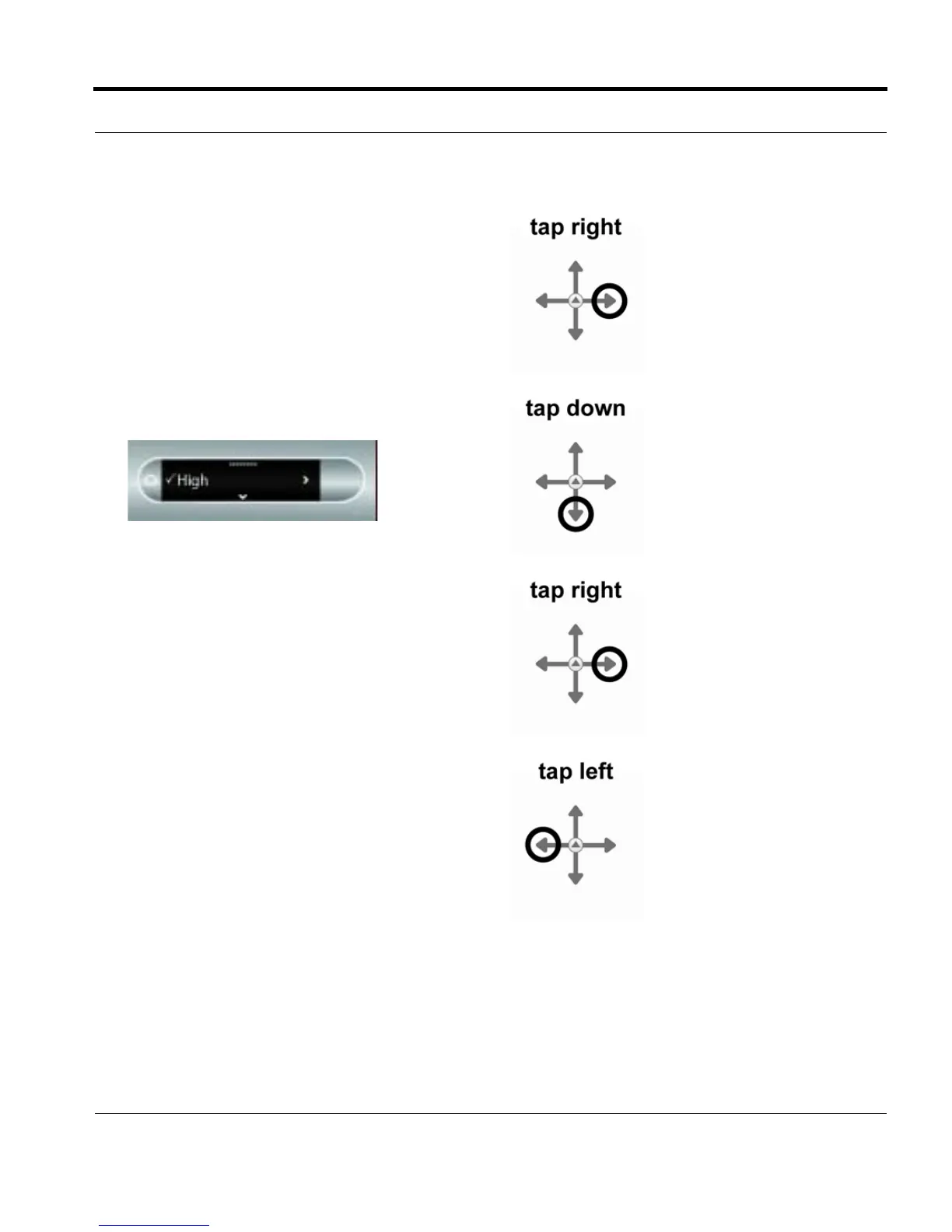
5. Tap right to select a setting type.
6. Tap down and up to scroll through the setting
options list.
7. Tap right to select an option. After activating an
option, a confirmation message will scroll
across your smartpen display and the active
option will have a checkmark beside it in the
display.
8. Tap left to return to the option setting list to
make a different selection.



 To Next Page