Livescribe™ Smartpen User Guide 47
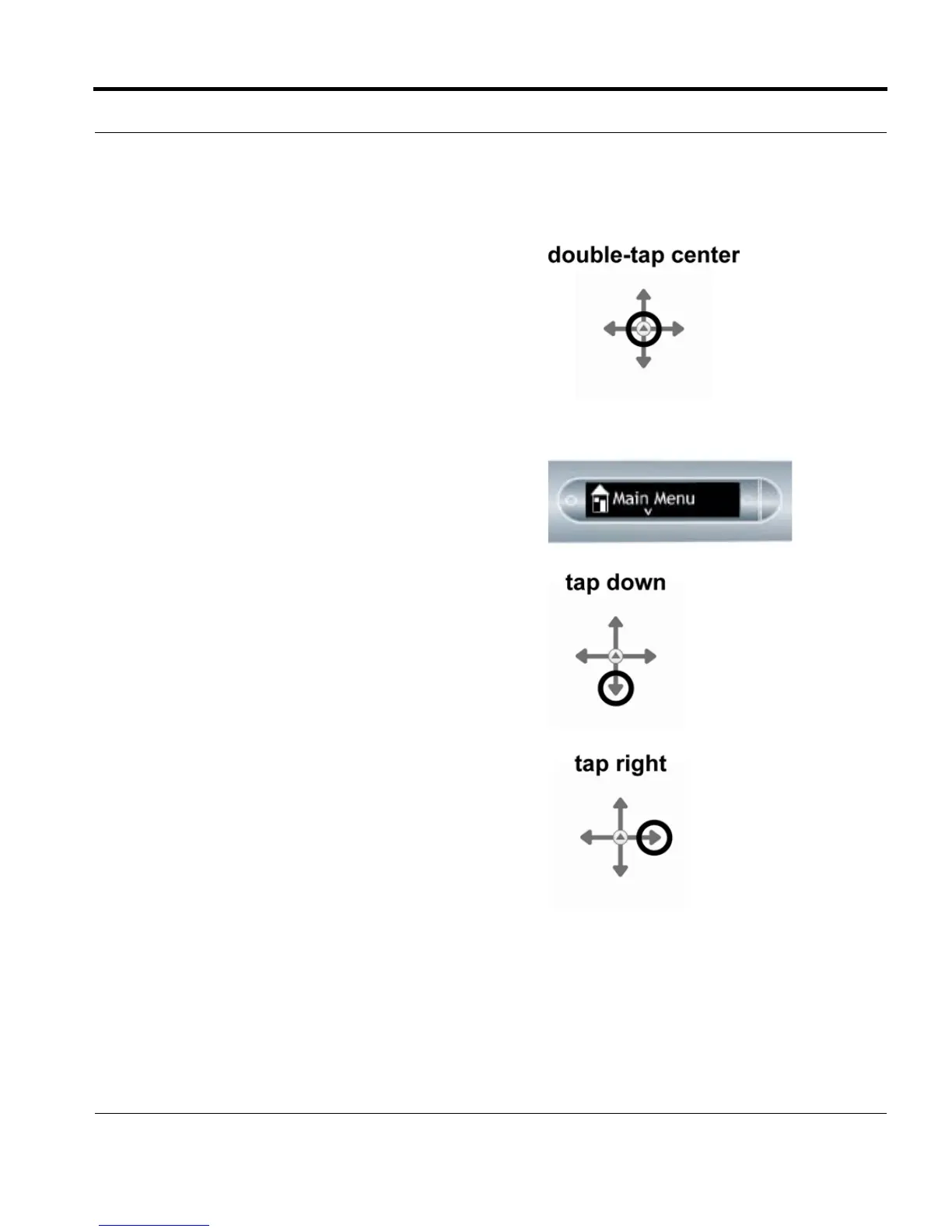
1. Double-tap the center of the Nav Plus. A double-tap
is two taps in quick succession.
NOTE: Double-tapping on the center of a Nav Plus will
exit the current application or sub-menu and take
you to the Main Menu. The one exception to this
rule is that if you are recording using the Paper
Replay™ application, double-tapping the center
will take you to the Main Menu but background
recording will continue.
2. Main Menu will be displayed on the Livescribe
smartpen.
3. Tap down on the directional arrow of the Nav Plus to
scroll through a list of applications on the Livescribe
smartpen.
4. When the desired application name is displayed, tap
right to select that application.
5. Tap down to scroll through the application menu.



 To Next Page