1. Using any Livescribe™ dot paper
product, such as the included Starter
notebook, draw intersecting vertical
and horizontal lines. You can draw the
intersecting lines in either order. The
lines should:
• Be fairly straight
• Be approximately the same
length
• Intersect near their centers
2. WIthin one second of drawing the
lines, double-tap in the center of the
Nav Plus. This will complete the
process of creating a Nav Plus.
3. Main Menu is displayed on your
smartpen when you have
successfully created a Nav Plus.
Livescribe™ Smartpen User Guide 49
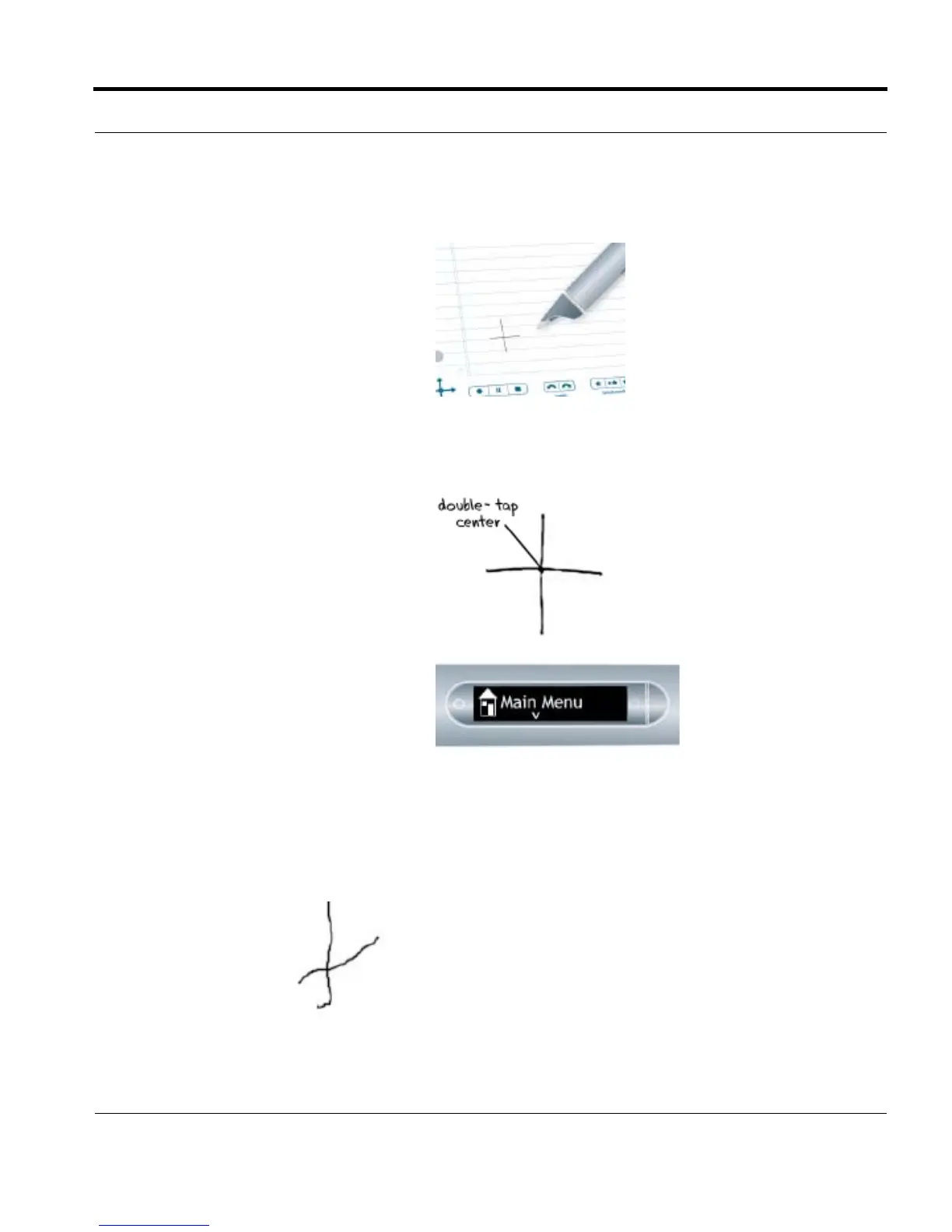
Nav Pluses drawn incorrectly:
NOTE: After you draw a Nav Plus, it is
always usable for future use.
Lines are not straight.



 To Next Page