Livescribe™ Smartpen User Guide 75
Playing a Session
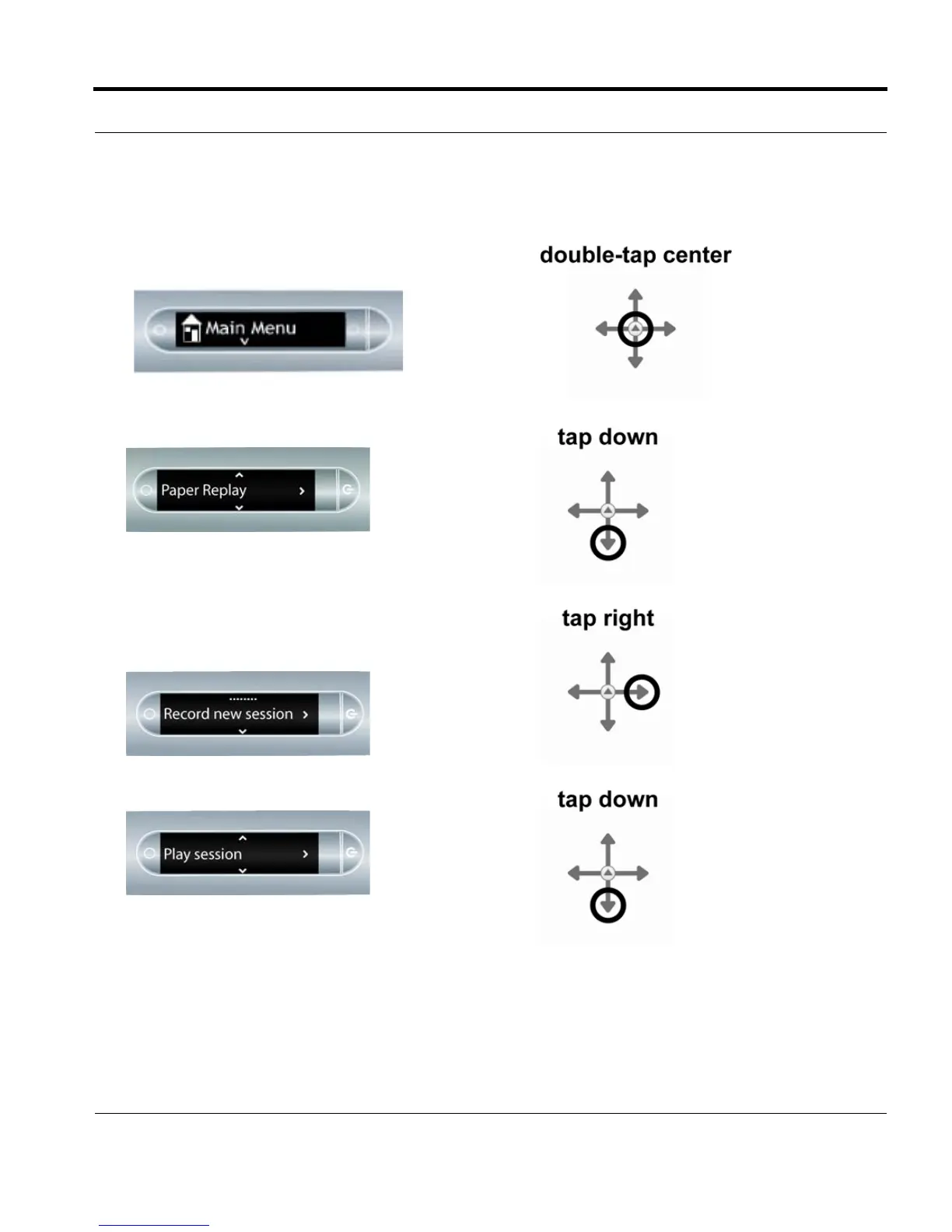
1. Double-tap the center of the Nav Plus to reach your
smartpen Main Menu.
2. Tap down until Paper Replay™is displayed.
3. Tap right to select the Paper Replay™ application
menu. The first item in the list is Record new
session.
4. Tap down to locate Play Session.



 To Next Page