Livescribe™ Smartpen User Guide 82
Browsing Paper Replay™ Sessions
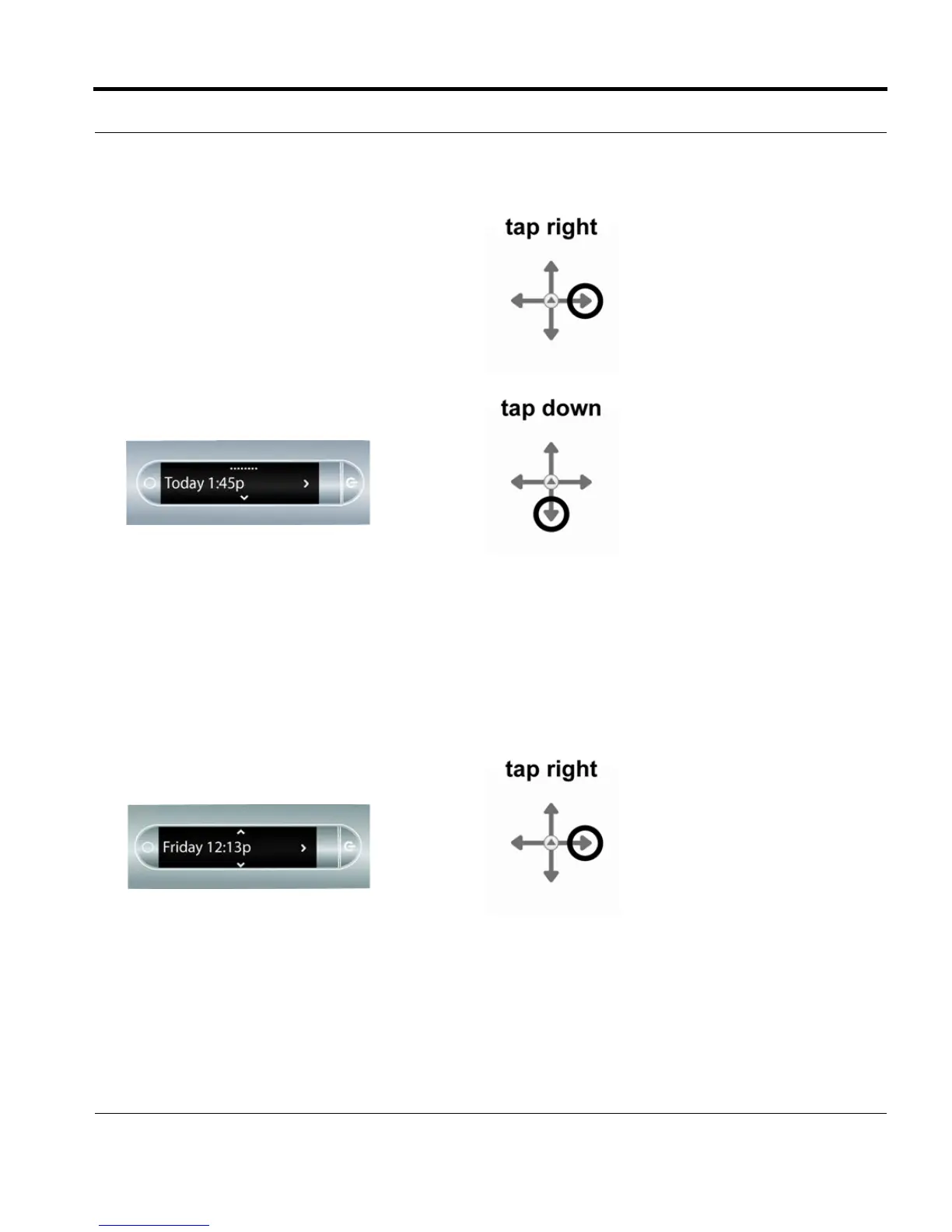
5. Tap right to browse sessions.
6. Tap down to scroll through a list of sessions.
Paper Replay™ sessions are named based
on the time and date they are created. For
example, if a session is started on June 03,
2008, at 12:22PM, it will be named and dis-
played as 06.03.08 12:22p.
NOTE: Your smartpen displays Paper Replay™
sessions in the order of the most recent
with paperless sessions coming before
regular sessions.
7. Tap right to select the session you want to
play.



 To Next Page