Livescribe™ Smartpen User Guide 84
Deleting Paper Replay™ Sessions
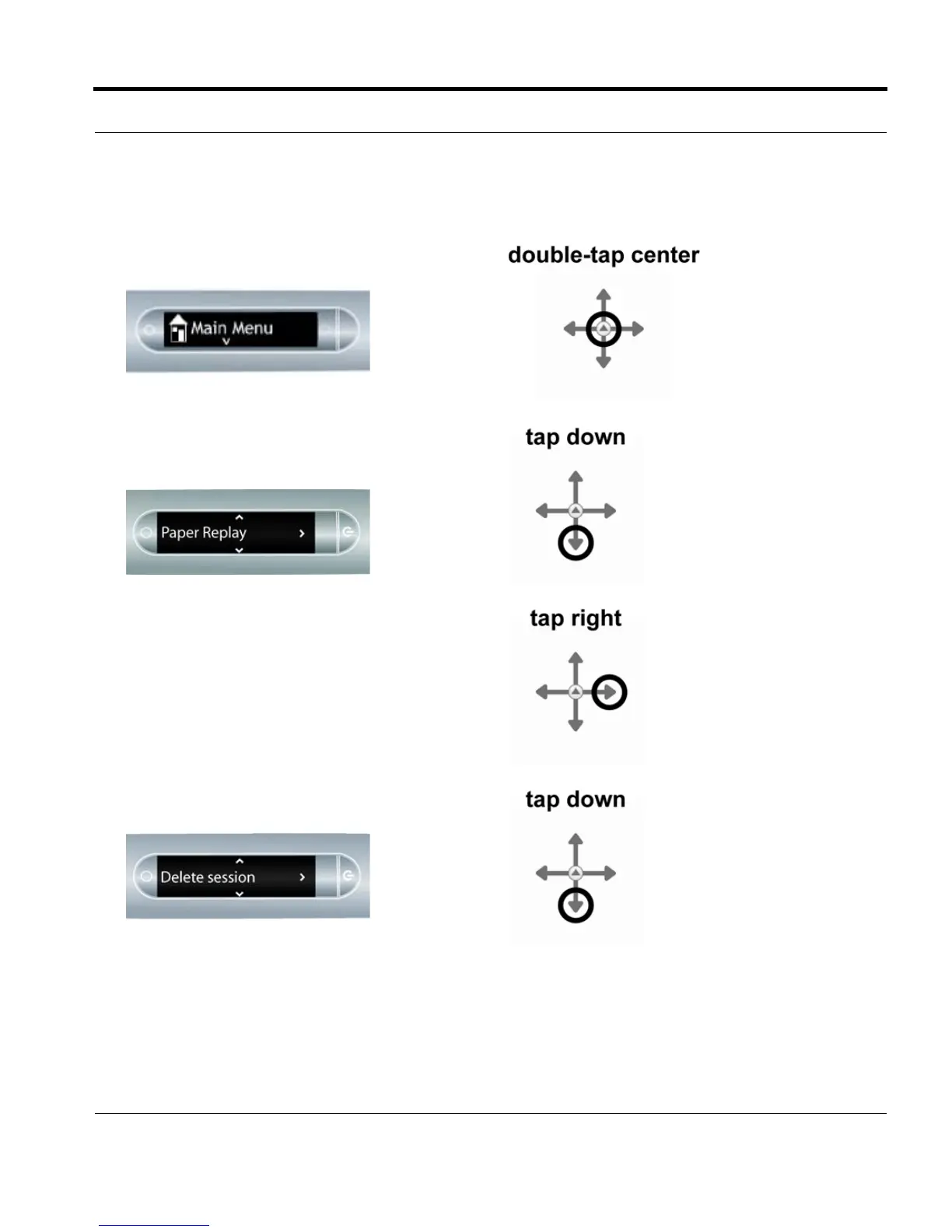
1. Double-tap on the Nav Plus to go to the Main
Menu.
2. Tap down to scroll through the applications on
your smartpen until Paper Replay™is
displayed.
3. Tap right to launch Paper Replay.
4. Tap down to locate Delete session from the
menu.



 To Next Page