Livescribe™ Smartpen User Guide 88
Paper Replay Password
Canceling Paper Replay Password
To cancel Paper Replay password and erase your password:
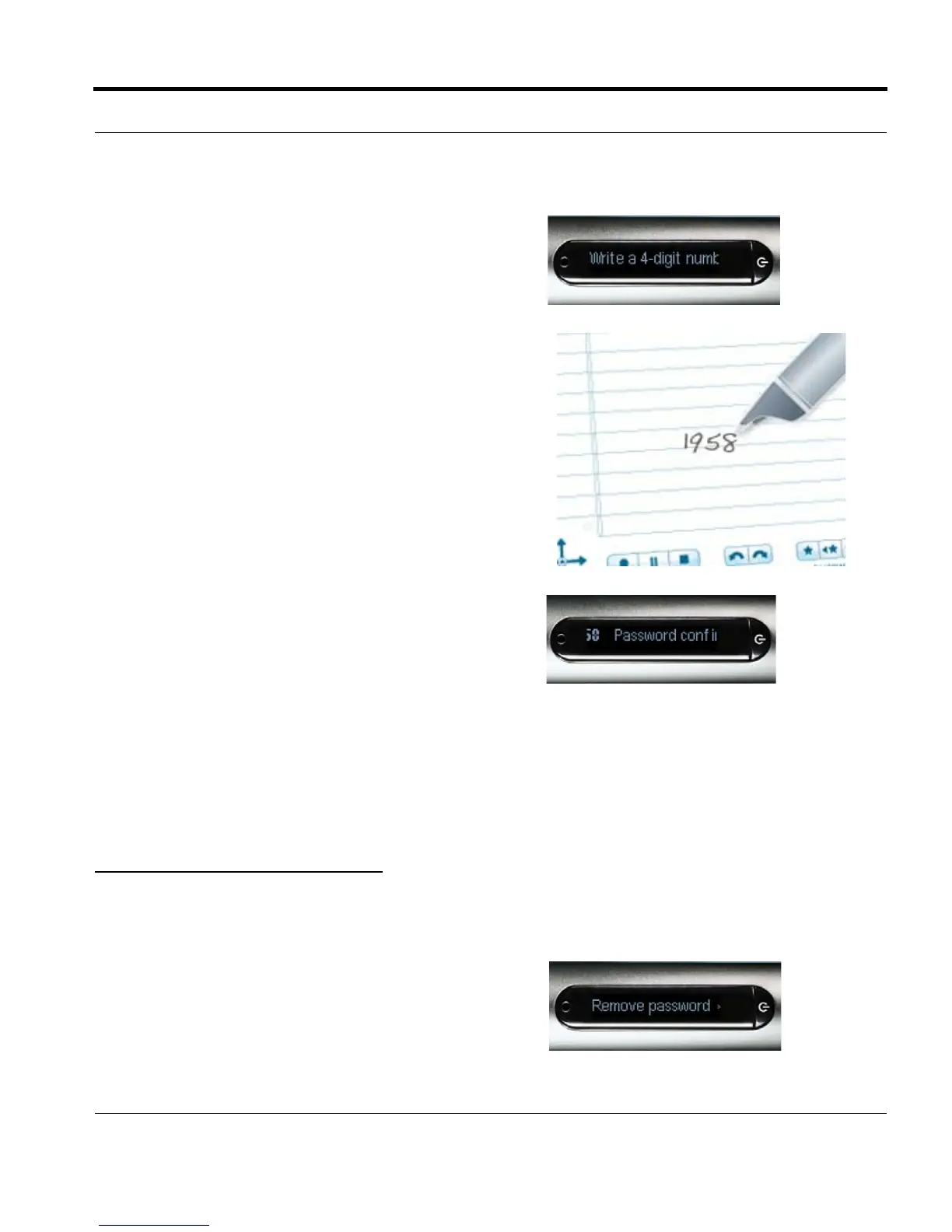
5. On your notepad, write four digits as your password.
To disguise your written password, Livescribe rec-
ommends using one of these methods:
• Write the numbers in a different order, for
example backwards.
• Write the numbers in various places on the
page.
• After writing and confirming your password, go
back and write other numbers over your
password to disguise it.
6. When you are finished entering your password, tap
right on the Nav Plus. Your smartpen will confirm the
password is set.
7. After setting your password, your smartpen will
prompt you each time you try to play back a session.
To listen to your sessions, write your password on
your notebook when prompted by your smartpen.
You smartpen will confirm if your password is
correct.
1. Use the Nav Plus to navigate to the Paper Replay >
Password protection > Remove password.



 To Next Page