LiveU LU200 User Guide
10
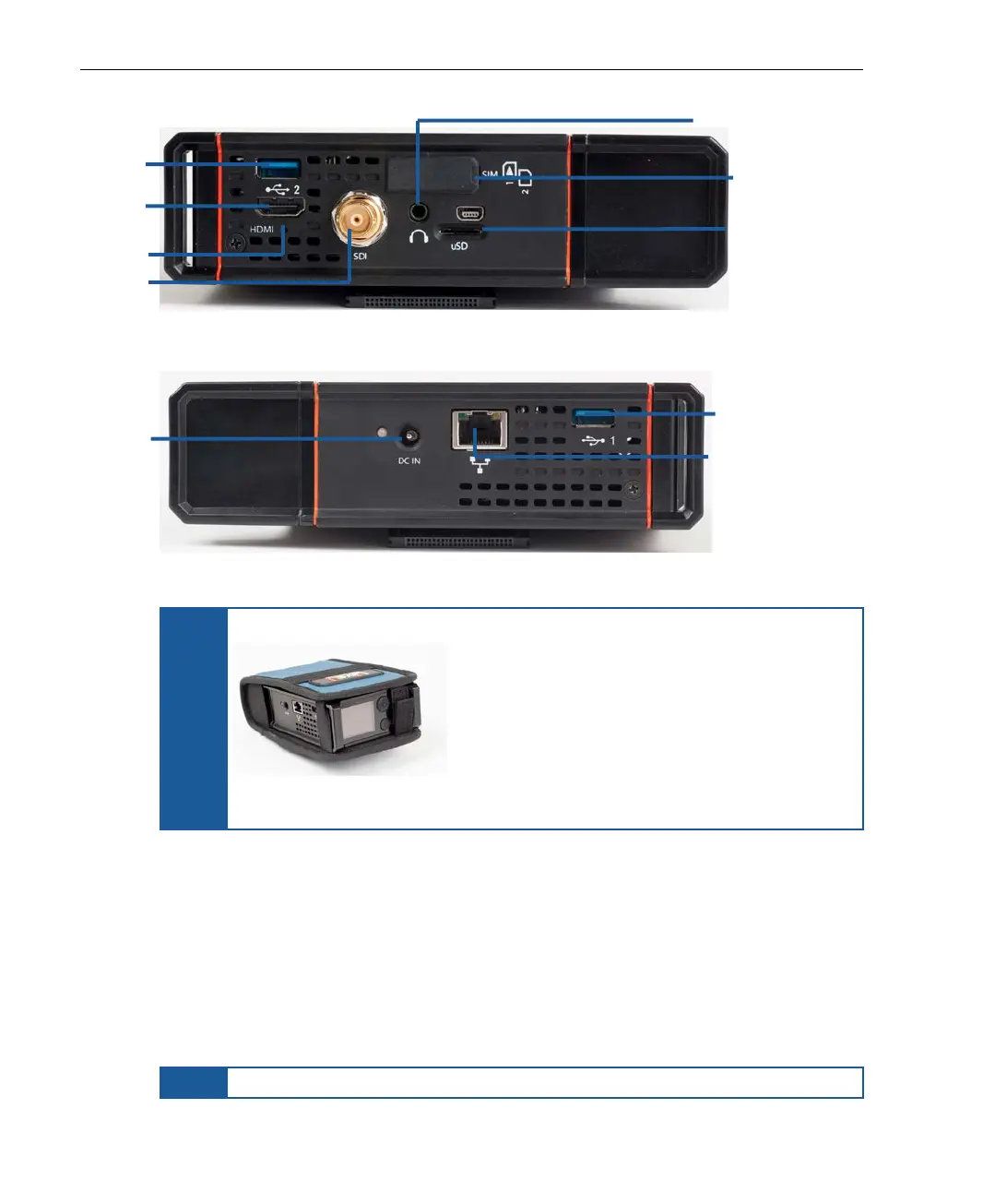
Figure 2: LU200 – Right Side Panel
Figure 3: LU200 – Left Side Panel
NOTE
The LU200 is provided with a pouch.
Figure 4: LU200 Inside Its Pouch
The LU200 provides two internal cellular modems, as well as a WiFi and a GPS
interface, both of which have internal integrated antennas. In addition, two
external cellular modems can be connected via USB for a total of six interfaces
on the unit.
After the LU200 powers up, it dials (connects) its modems to various networks
(including WiFi) and combines their bandwidth into a single consolidated
broadband uplink connection. The LU200 can then encode incoming video into
an H.264 stream and transmit it over the aggregated bandwidth.
NOTE
Xtender interfaces are supported for LAN interfaces only.
Micro SD Card Slot
Connector
Connector
Connector
Connector



 To Next Page