Getting Started
25
► To select a profile:
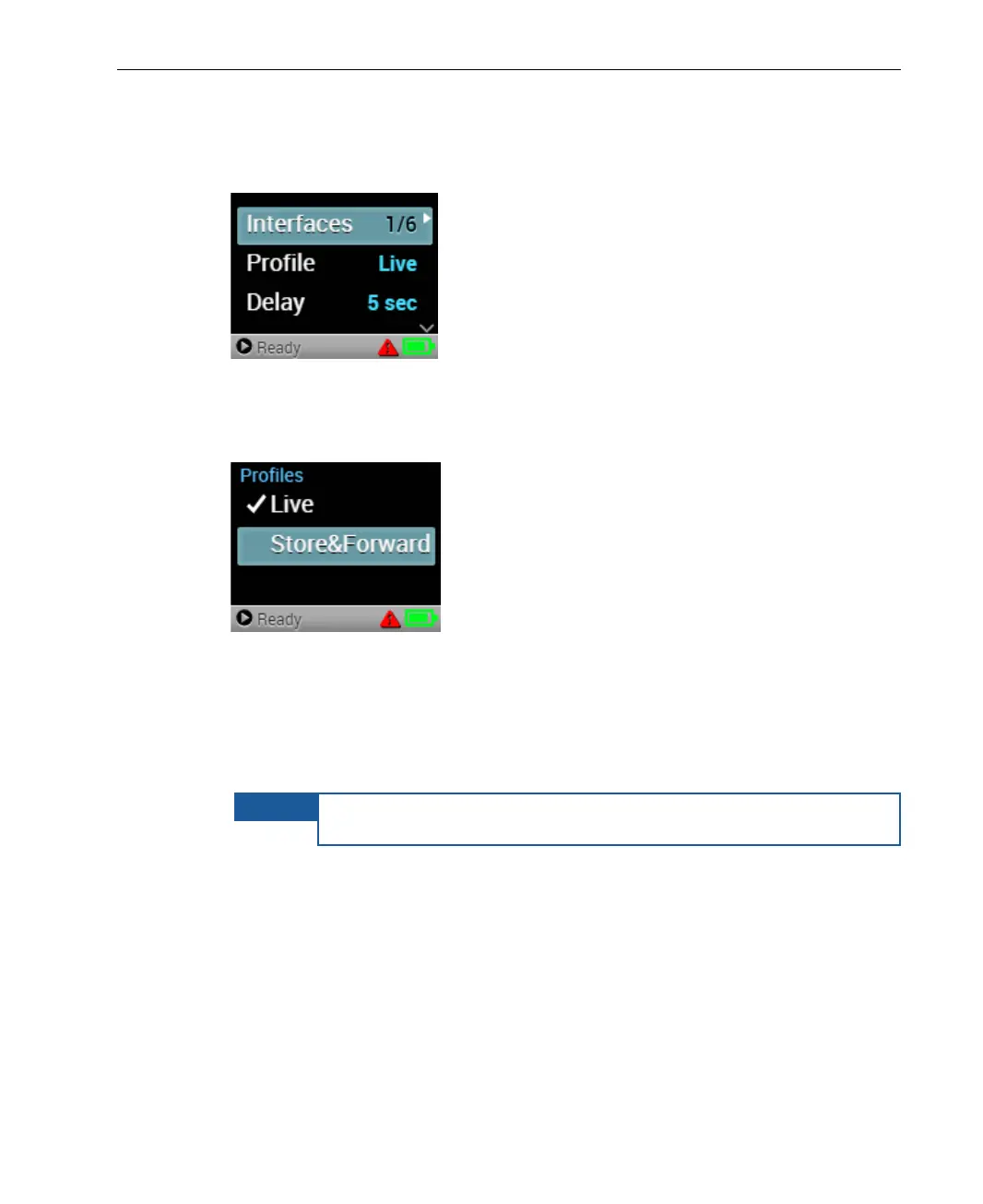
1 Navigate to the Profile option in the Main screen using the Up and Down
buttons on the joystick.
Figure 21: Main Screen − Profile
2 Press the Right or Center (OK) buttons on the joystick. The Profiles
screen displays, as shown below:
Figure 22: Profiles Screen
3 Use the Up and Down buttons on the joystick to navigate to the required
profile, and then press the Center (OK) button on the joystick to select it.
The Live profile is the default.
The selected profile is indicated by a checkmark.
To cancel a selection, press the Left button on the joystick
before checking the new profile.



 To Next Page