LiveU LU200 User Guide
46
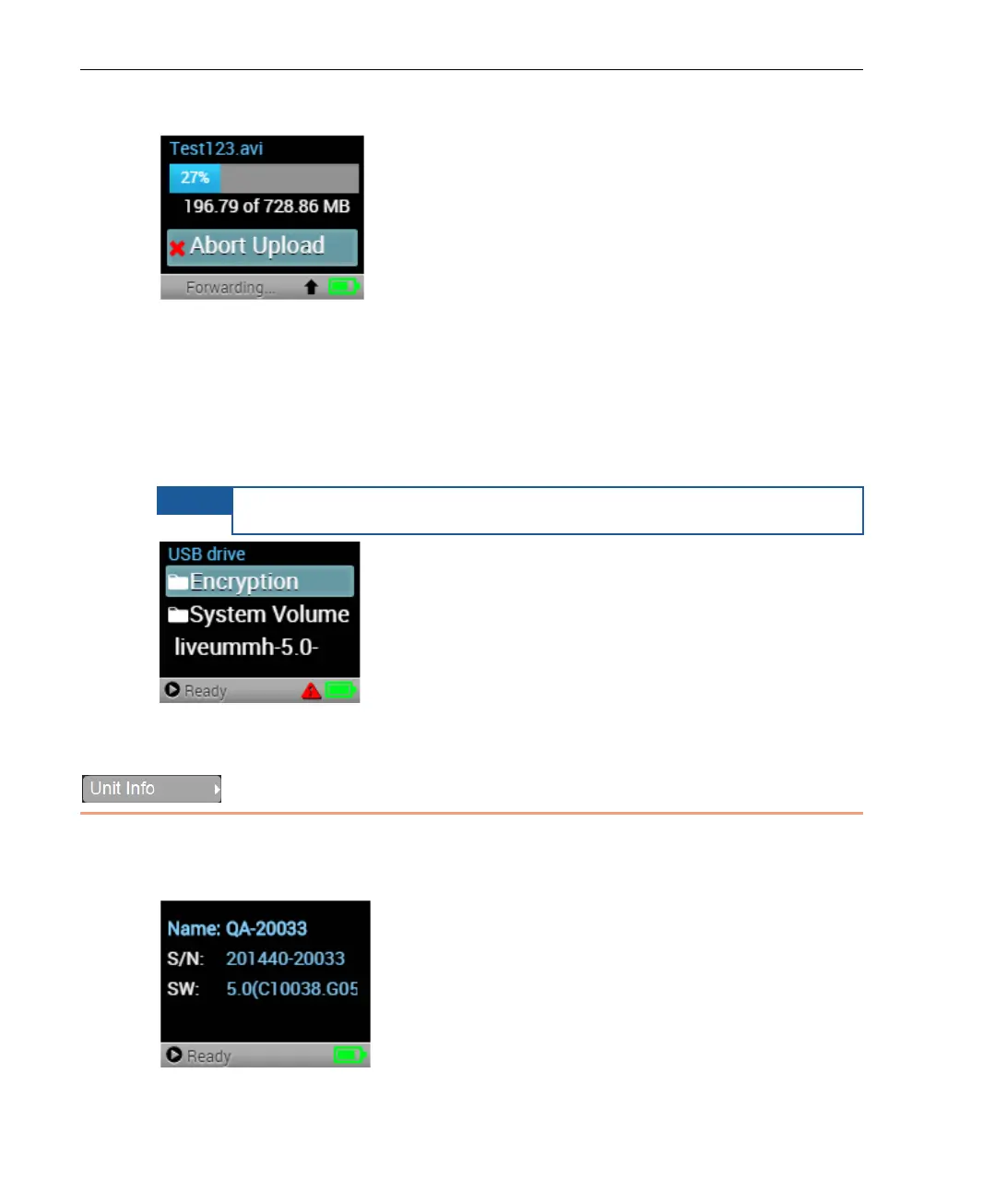
After an upload has been initiated, a progress bar displays, as shown below:
Figure 57: Uploading – Progress Bar
You can abort a file upload operation using the Abort Upload option.
Displaying USB Drive Files
The USB Drive option displays a list of the files on the USB drive.
The USB drive must be connected to USB port 1 or 2.
Figure 58: USB Drive – Files List
Unit Info
The Unit Info option displays the LU200 unit’s name, serial number and
software version. If required, you may contact LiveU support for more details.
Figure 59: Unit Info Screen



 To Next Page