LiveU LU200 User Guide
58
4 What is the next step after inserting the
SIM cards into the LU200 unit?
The following options are available for configuring the Access Point Number
(APN):
• By default, the LU200 automatically configures the correct APN.
• If the system fails to automatically configure the APN, then you may refer
to the LiveU Central User Guide for a description of how to configure the
APN.
5 How do I know whether or not the
LU200 unit is connected to the Internet?
You have the following options:
• Check that the unit is in Ready state and is not offline.
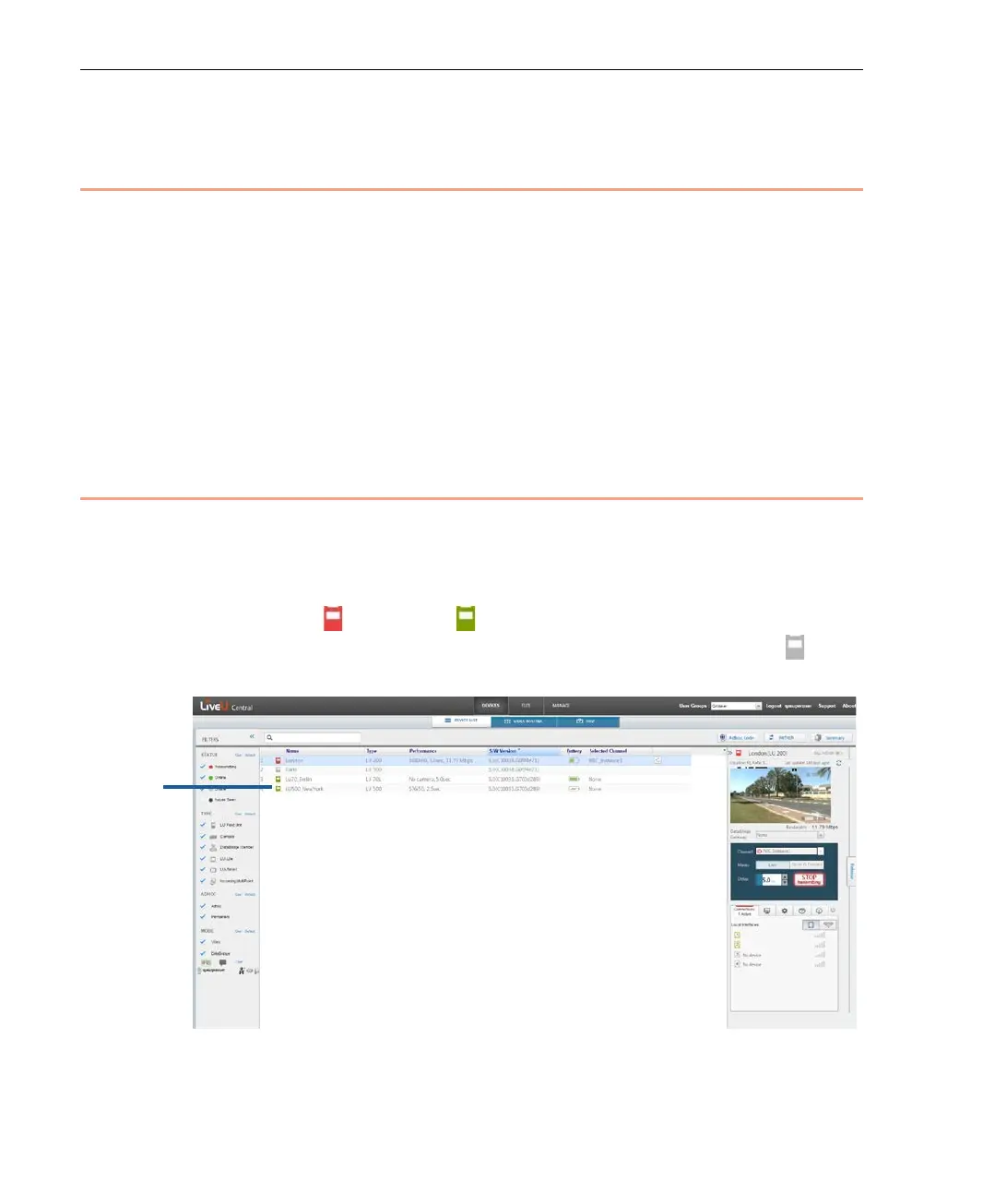
• LiveU Central: Use the LiveU Central web interface to check if the LU200
unit has Live ( ) or Ready ( ) status, as shown below. Both of these
statuses indicate that the LU200 is connected. The Offline status ( )
indicates that the LU200 is not connected.
Figure 72: LiveU Central



 To Next Page