Getting Started
31
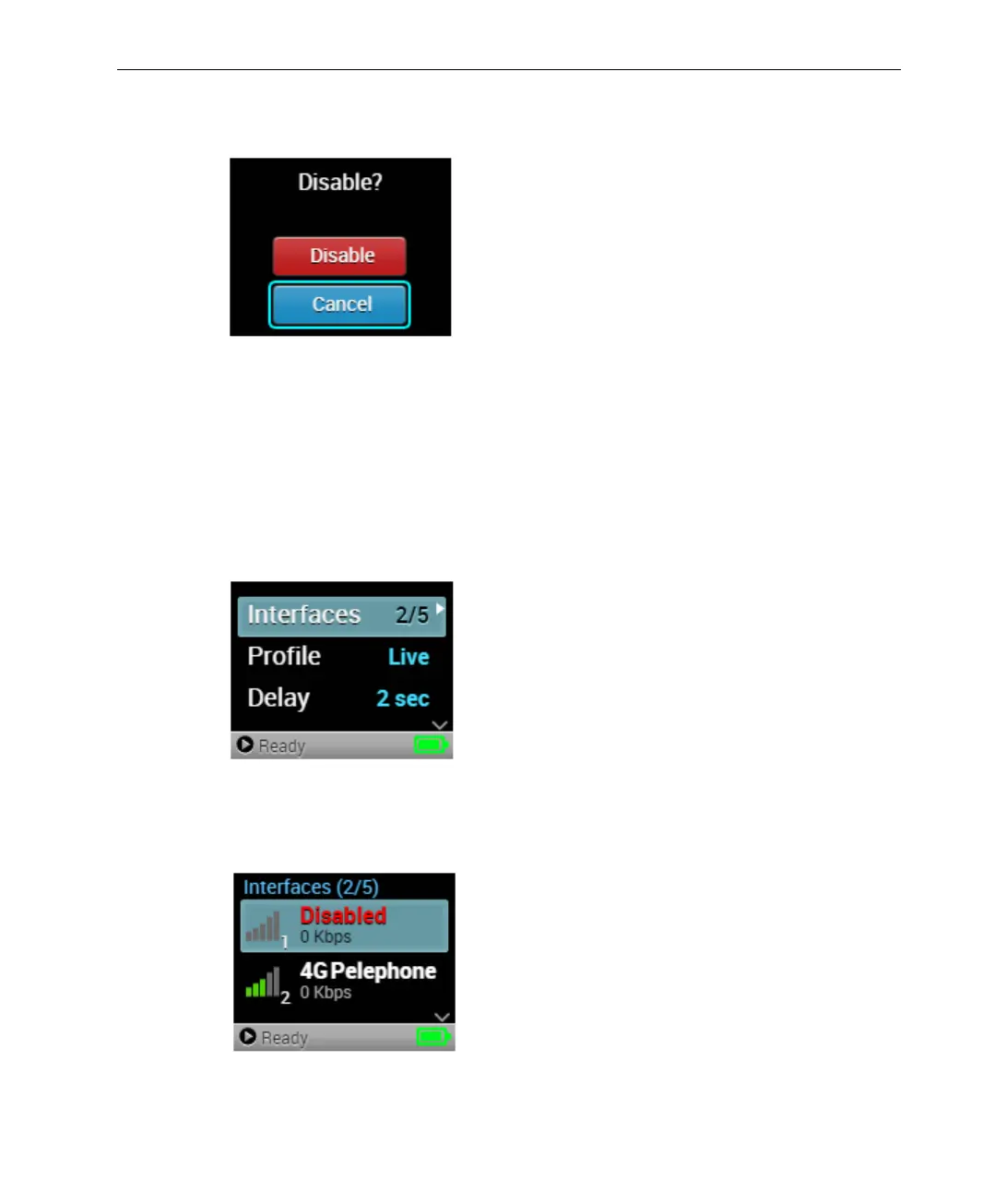
4 Press the Right or Center (OK) buttons on the joystick to disable the
selected interface. The following screen displays:
Figure 29: Disable Interface – 2
5 Select Disable and press the Center (OK) button to disable the interface.
The Disable button of the interface changes to Enable, indicating that the
interface is currently disabled.
► To enable an interface:
1 Navigate to the Interfaces option in the Main screen using the Up and
Down buttons on the joystick.
Figure 30: Main Screen − Interfaces
2 Press the Right or Center (OK) buttons on the joystick. The Interfaces
screen displays, as shown below:
Figure 31: Interfaces Screen



 To Next Page