Getting Started
33
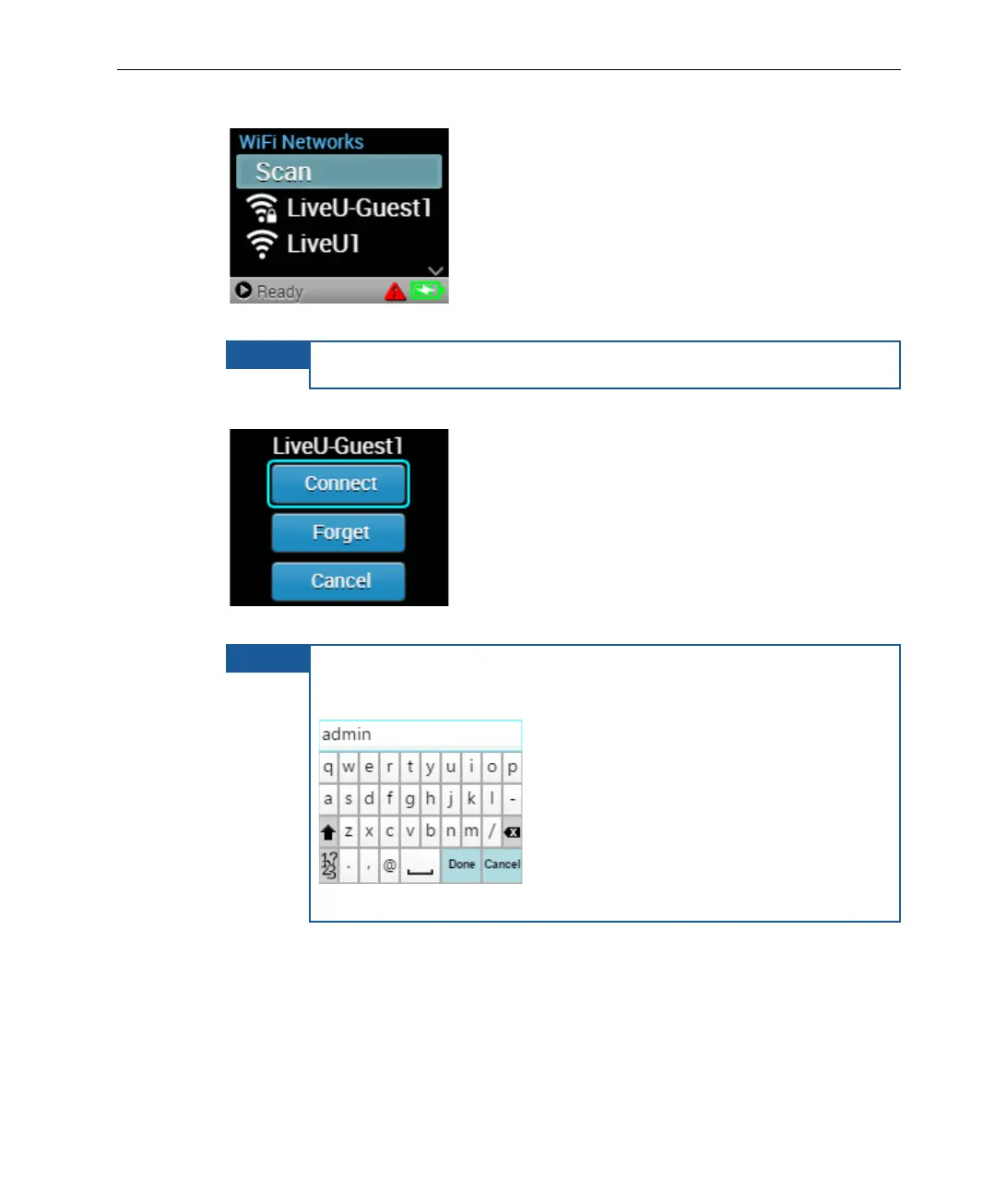
The unit scans and displays the available networks.
Figure 34: Select Network
To rescan, press Scan.
3 Select a network and press Connect.
Figure 35: WiFi Network – Connect
For encrypted networks, select the network, press Connect,
enter the network password using the virtual keyboard
below, and then press Done.
Figure 36: Virtual Keyboard
Disconnecting a WiFi Network
To disconnect a WiFi network, either disable WiFi or select a different network.



 To Next Page