Getting Started
19
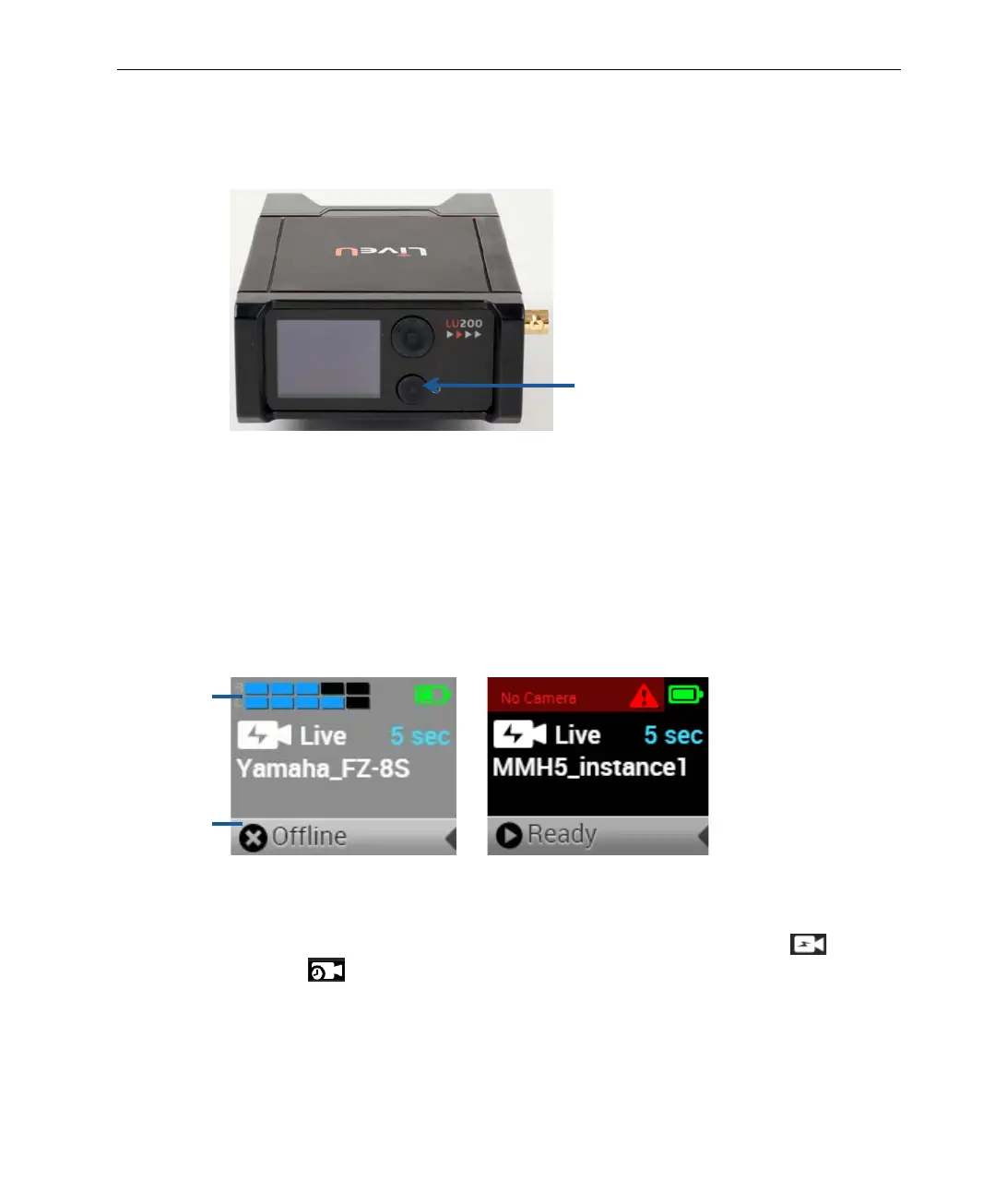
► To power on the LU200 unit:
• Press the Power button for approximately two seconds to turn the unit on.
The battery does not need to be fully charged to use the unit.
Figure 15: Power Switch
• The LU200 logo appears on the screen while the unit powers up. The unit
displays the Home screen within approximately two minutes after power
up. The LU200 is ready for transmission within approximately two minutes
after powering it on.
The LU200 begins in Offline state and moves to Ready state once the unit
is connected to the network and registered.
Figure 16: LU200 Home Screen – Offline and Ready States
The LU200 Home screen displays the following information:
Profile: Shows the profile in use, which can be either Live
or
S&F
.
Delay: Shows the configured delay. The delay only displays when the
Live profile is selected.
Upper Status
Bar
Lower Status
Bar



 To Next Page