LU200 User Interface
45
Displaying S&F Files
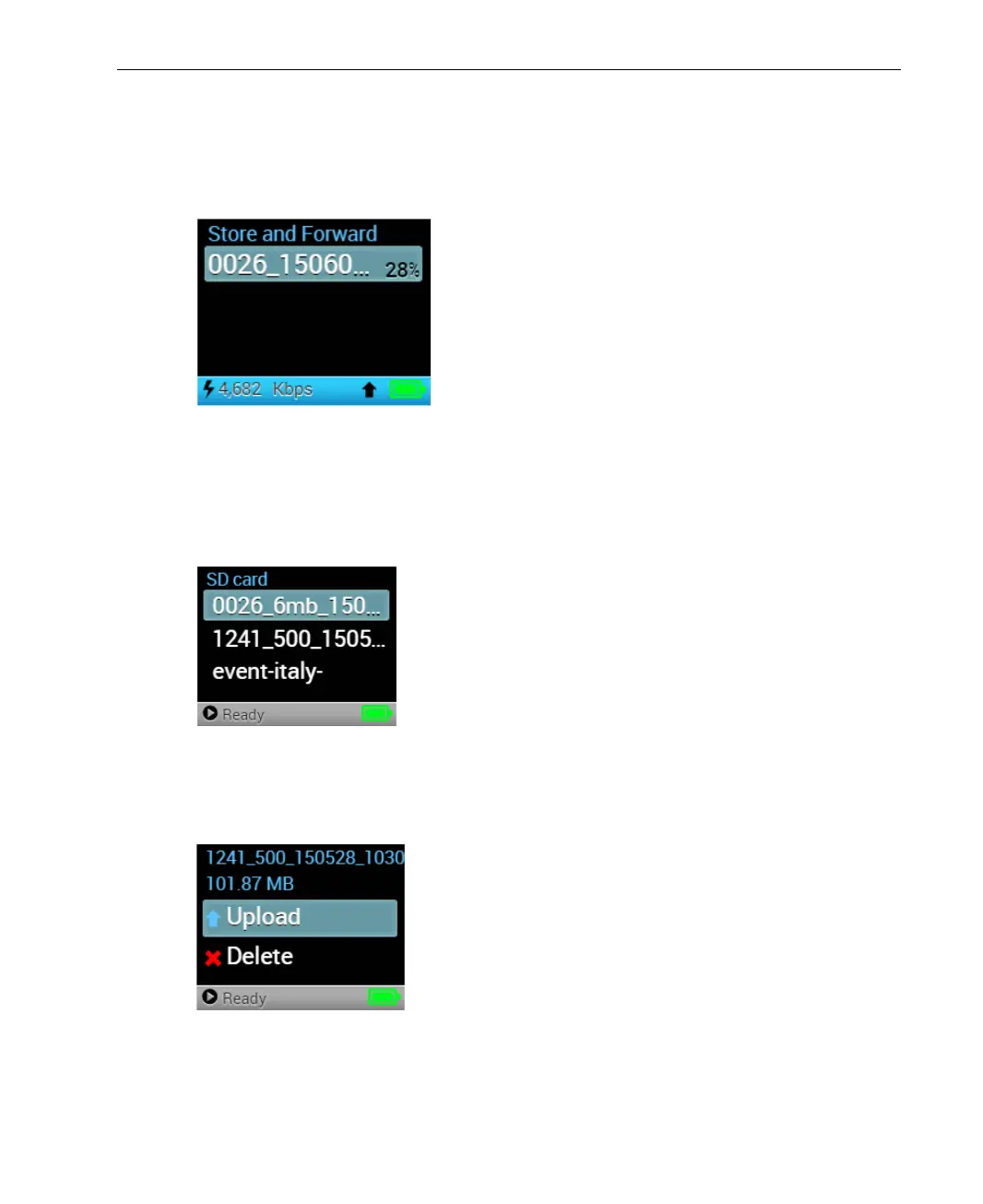
The S&F option displays all the files that are currently being stored and
forwarded.
Figure 54: Store and Forward
Displaying SD Card Files
The SD Card option displays a list of the files on the SD card.
Figure 55: SD Card Option
You can upload or delete files in the list using the respective option, as shown
below:
Figure 56: SD Card – Upload and Delete Options
You can upload or delete files in the list using the respective Upload or Delete
option.



 To Next Page